
SAP users need stronger checks
Internal employees, privileged users, suppliers, vendors, partners, and contractors can all create risk when SAP Web GUI, Fiori, or Portal access depends on passwords alone.
SAP MFA solution
Add multi-factor authentication (MFA) and two-factor authentication (2FA) to SAP Web GUI, Fiori Launchpad, Portal, Web Dynpro, ITS, SRM, supplier portals, and custom ABAP web apps without upgrading SAP, changing application code, or starting a new IdP project.









Why this matters
Many SAP web apps were published years before today's MFA and Zero Trust requirements. The risk grows when employees, privileged users, suppliers, vendors, partners, and contractors all need browser access to business-critical SAP workflows.
Internal employees, privileged users, suppliers, vendors, partners, and contractors can all create risk when SAP Web GUI, Fiori, or Portal access depends on passwords alone.
Native modernization can require SAP upgrades, Basis work, SAML/OIDC projects, AD/LDAP integration, or changes to NetWeaver and ABAP apps.
Security teams need multi-factor authentication coverage quickly, while SAP teams need to keep existing login flows, sessions, and application behavior stable.
SAP app coverage
Datawiza is a fit when the goal is to add multi-factor authentication or 2FA at the access layer for SAP apps that are already exposed over HTTP or HTTPS. For mixed portfolios, see how the same pattern applies to MFA for ERP applications.
SAP URL patterns
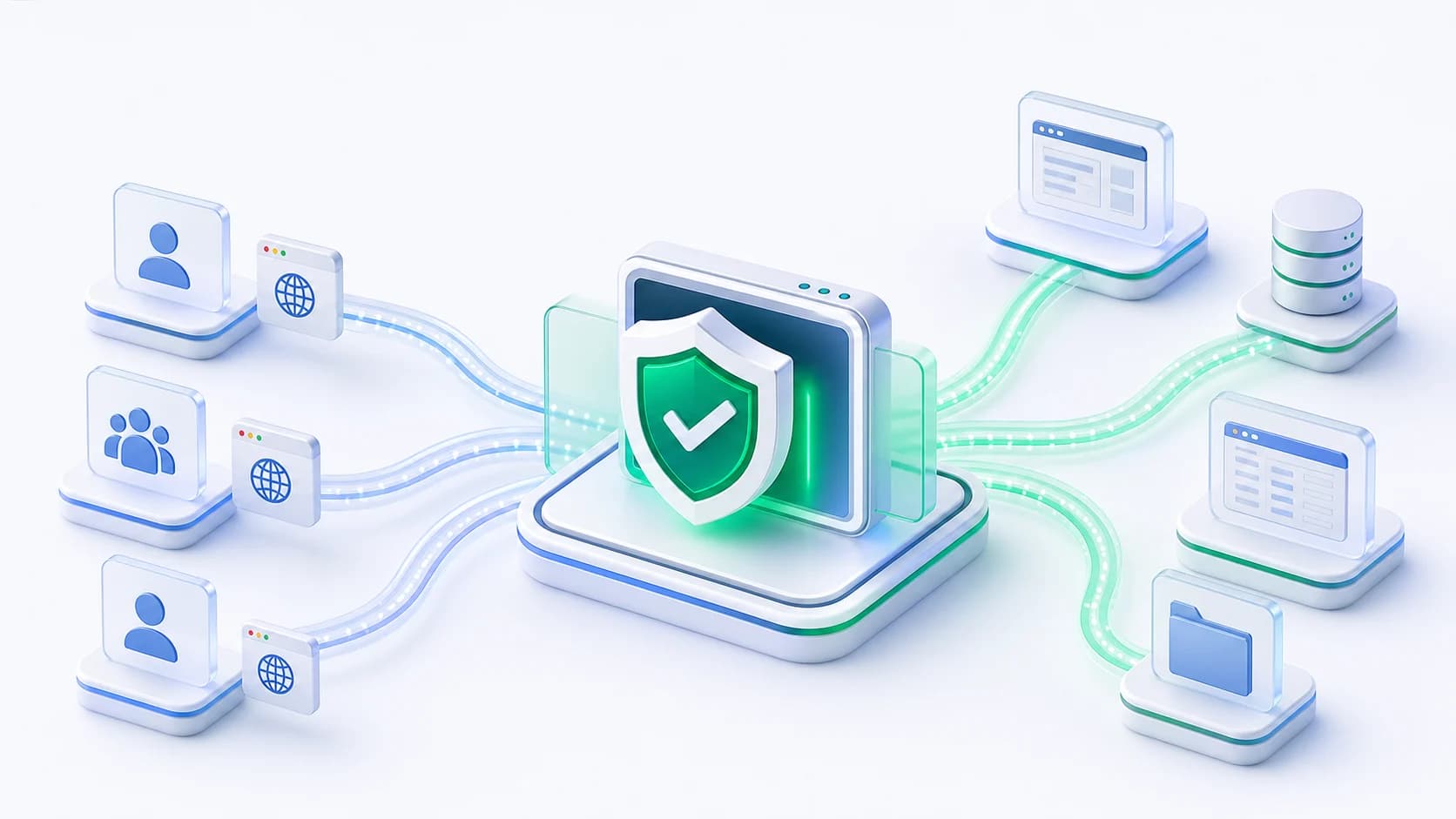
Datawiza sits in front of browser-based SAP access paths, so teams can enforce MFA or 2FA before users reach protected SAP content.
/sap/bc/gui/sap/its/webguiProtect browser-based SAP GUI access with multi-factor authentication before users reach SAP transactions.
/sap/bc/ui2/flpAdd MFA or two-factor authentication to Fiori launchpad access without rebuilding SAP identity flows.
/sap/bc/webdynproEnforce step-up authentication in front of Web Dynpro applications while keeping SAP application behavior intact.
/sap/bc/bsp/*Use the same proxy pattern for custom SAP web applications and Internet Communication Framework endpoints.
Why Datawiza
Datawiza Access Proxy sits in front of SAP and enforces MFA before users continue to protected SAP content. This gives security teams a faster path while SAP teams keep the application stack stable.
Place Datawiza Access Proxy in front of SAP and enforce MFA without touching ABAP code, NetWeaver configuration, or SAP application logic.
Use Datawiza built-in MFA and 2FA for SAP access when you do not want to introduce a new IdP, SAML/OIDC integration, or AD/LDAP dependency.
Start with one SAP web app, validate the user experience, then repeat the same proxy pattern across more internal and external SAP apps.
Deploy in the customer's cloud, on premises, hybrid, or with Datawiza-hosted services depending on where SAP is exposed today.
Access flow
Datawiza protects SAP at the access layer: users still reach the SAP app they know, but MFA policy is enforced before protected SAP traffic is allowed through.
An employee, supplier, partner, or privileged user opens Web GUI, Fiori, Portal, SRM, or another SAP web app.
Datawiza sits in front of SAP, keeps the existing app behavior, and applies access policy before protected traffic reaches SAP.
The user completes MFA or 2FA through Datawiza built-in verification or the configured enterprise authentication method.
After policy passes, the user continues to SAP without ABAP, NetWeaver, or application-code changes.
Customer proof
“Datawiza is the ideal solution for adding MFA to on-prem applications without the need to overhaul existing code or infrastructure.”
How it works
Start with one SAP URL, validate the policy with a small user group, then expand the same access-layer pattern to more SAP web apps.
Put Datawiza Access Proxy in front of the SAP web URL used by employees, privileged users, suppliers, vendors, or partners. SAP Web GUI, Fiori, Portal, SRM, or a custom ABAP app remains behind the proxy.
Keep the existing SAP authentication path. Datawiza can challenge users with multi-factor authentication after SAP verifies the user and before protected SAP access is allowed through.
Enable built-in MFA policies for the users and groups that need stronger checks, including employees, privileged users, suppliers, vendors, and partners.
Approved users continue to SAP. Datawiza records access decisions so security and compliance teams can review what happened.
Comparison
Use Datawiza when the immediate goal is to protect internal and external SAP access without waiting for a full SAP identity modernization program.
| Criteria | Datawiza Access Proxy | Traditional SAP path |
|---|---|---|
| SAP application changes | No ABAP, NetWeaver, or app-code changes | May require SAP upgrades, configuration, or custom work |
| Identity infrastructure | Built-in MFA and 2FA available; no IdP or AD/LDAP required | Often depends on IdP, SAML/OIDC, AD/LDAP, or SAP identity stack |
| Deployment model | Proxy pattern in front of existing SAP web apps | Project varies by SAP module, app version, and identity architecture |
| Best fit | Fast MFA for internal and external SAP access | Broader identity transformation or full SAP modernization |
FAQ
SAP Web GUI / SAP GUI for HTML, Fiori Launchpad, Enterprise Portal, Web Dynpro, ITS, SRM and supplier portals, and custom ABAP or BSP web applications are good candidates when users access them through a browser.
No. The access proxy pattern is designed to enforce MFA or two-factor authentication outside the SAP application, so you do not need to rewrite ABAP code or upgrade SAP just to add stronger login security.
No. For this use case, Datawiza can provide built-in SAP MFA or 2FA without requiring a separate enterprise IdP, AD/LDAP integration, or SAML/OIDC project.
The common pattern is to place Datawiza Access Proxy in front of the SAP web URL, route traffic through the proxy, and enforce MFA before users continue to protected SAP content.
Related MFA use cases
Explore practical MFA patterns for customer portals, internal systems, legacy applications, ERP platforms, and other existing web apps.
Start with the main overview for built-in MFA, proxy enforcement, app coverage, and rollout strategy.
Get the definition of no-code MFA, including built-in MFA, identity provider mode, and where access-layer enforcement fits.
Protect PeopleSoft HCM, payroll, employee self-service, retiree portals, and other web-based HR systems without changing app code.
Add MFA to legacy applications without changing source code, migrating users, or waiting for an application rewrite.
Add MFA or 2FA to public-facing, external-facing, internet-facing, internal, and custom web applications without changing app code.
Add MFA to IIS applications without touching code, using Datawiza built-in MFA or Entra ID, Okta, Ping, or Duo as the identity provider.
Protect admin portals, admin dashboards, back-office apps, and privileged web consoles with MFA before app access.
Protect customer portals, partner apps, vendor portals, and customer-facing applications without forcing a CIAM migration.
SAP and SAP product names are trademarks or registered trademarks of SAP SE or its affiliates. This page describes an independent Datawiza access modernization pattern and is not affiliated with or endorsed by SAP.
From industry events to new product releases, read it here first.


Sign up to secure your AI agents and critical enterprise apps