
Protect external users
Add built-in MFA or 2FA for customers, members, patients, students, and policyholders using your existing portal.
MFA for customer portals
Add built-in MFA while keeping your existing customer accounts and login. No user migration, IdP, AD, or LDAP required. For hosted deployment, route portal traffic through Datawiza with a DNS update.
Short demo
See How Datawiza Adds MFA Without App Changes











Customer portal risk
Customer portals and customer-facing apps are exposed to password reuse, credential stuffing, and account takeover attempts. MFA helps, but many portals were not built for modern customer identity projects.
Add built-in MFA or 2FA for customers, members, patients, students, and policyholders using your existing portal.
Keep existing accounts, passwords, and customer sign-in behavior while avoiding a larger customer identity migration.
Datawiza Access Proxy adds the MFA challenge in front of the app, so teams do not have to rewrite customer portal login code.
Use cases
Add MFA to customer self-service and member portals while keeping existing accounts and login.
Protect patient and student access to records, appointments, and services with MFA on the existing portal.
Add MFA to policyholder access to policies, claims, and account details without a login rebuild.
Protect apps that rely on their own username and password login without moving users into a new identity platform.
How it works
Datawiza Access Proxy sits in front of the customer-facing app. Users keep signing in with the existing portal login, and Datawiza adds an MFA or 2FA challenge before allowing access to the application.
Compare paths
Customer portal MFA often turns into a CIAM migration, custom login project, or app-by-app development effort. Datawiza is for existing customer-facing apps that need MFA or 2FA quickly without moving users, rebuilding login, or forcing every external user into a new IdP.
| Criteria | Datawiza | CIAM migration or app rebuild |
|---|---|---|
| Project scope | Put Datawiza Access Proxy in front of your existing customer or member portal, then enforce MFA before app access. | Often starts as a broader customer identity, registration, login, and user migration program. |
| External users | Keep existing customer, member, patient, student, and policyholder accounts working while adding built-in MFA or 2FA. | May require moving users, linking accounts, changing passwords, or replacing the sign-in journey. |
| Application changes | Add MFA at the Access Proxy layer without changing customer portal code or login/session logic. | Usually requires SDKs, login changes, session changes, or custom MFA integration work inside the app. |
| Rollout | Pilot one customer-facing app, update DNS or routing, validate the MFA experience, then expand portal by portal. | Typically depends on each application team, release cycle, framework, and customer identity dependency. |
Deployment
For the easiest rollout, use Datawiza hosted service and update DNS or routing so customer portal traffic passes through Datawiza before reaching your app.
Run Datawiza in your own cloud or data center when you want more control over infrastructure, network paths, or operations.
Keep the current customer portal login. Datawiza adds the MFA or 2FA challenge before access continues to the application.
FAQ
Yes. Datawiza can enforce MFA or 2FA before users reach a customer, member, patient, student, or policyholder portal.
No. Datawiza can add built-in MFA on top of the existing login, so customer and member accounts can stay where they are.
No. Datawiza has built-in MFA, so an external IdP is not required. If you already use an IdP, Datawiza can also integrate with it when useful.
No. Datawiza built-in MFA works with existing portal accounts without requiring Active Directory or LDAP.
For the hosted service, teams typically route the customer-facing app through Datawiza with a DNS or routing change. Self-hosting is also available if you prefer to run Datawiza in your own environment.
From industry events to new product releases, read it here first.



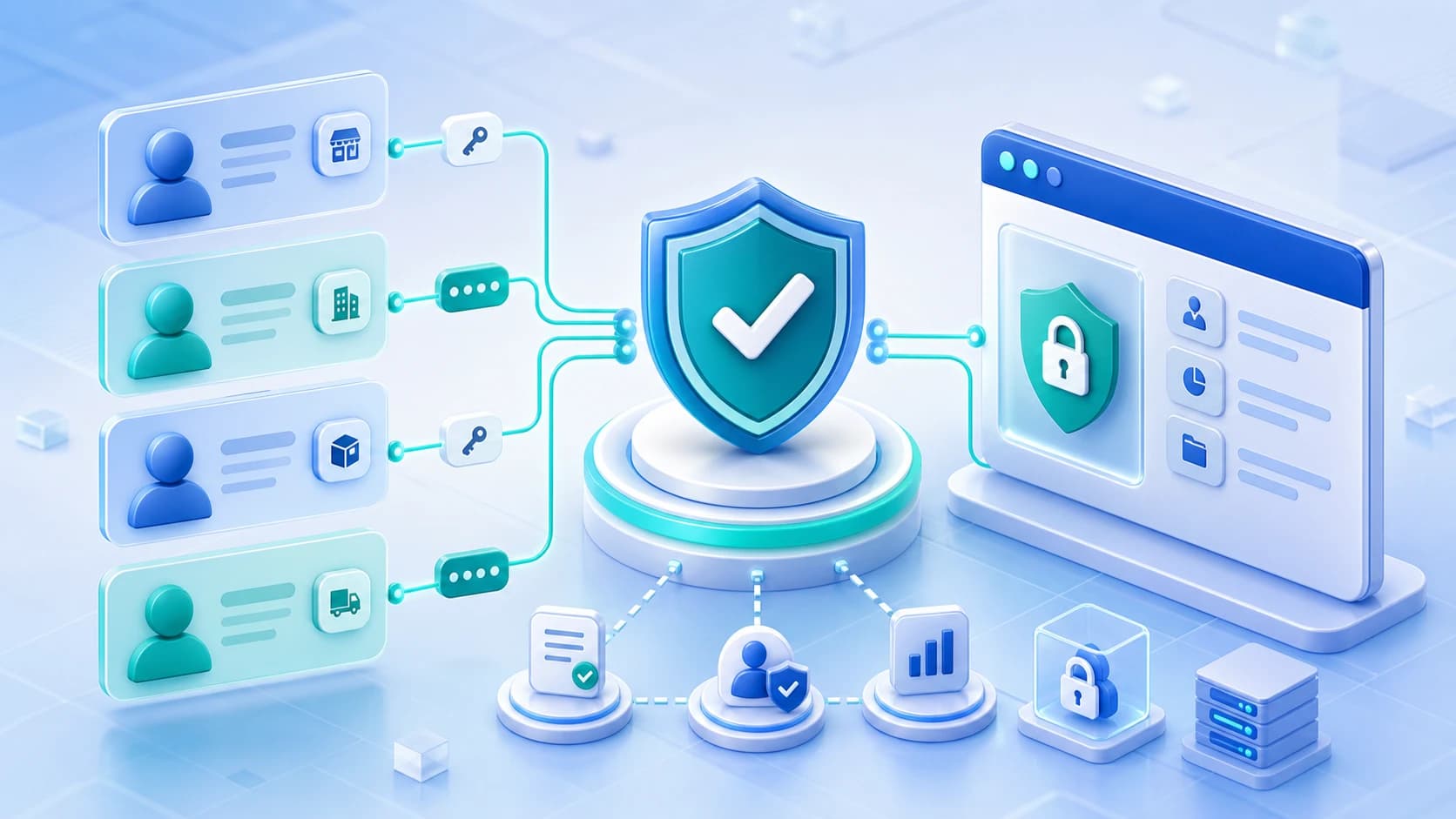
See how to add MFA to your customer portal while keeping your current customer accounts and login.