
Protect critical workflows
Reduce account takeover risk for finance, procurement, inventory, HR, supplier, vendor, and admin workflows.
MFA for ERP applications
Add MFA to SAP, Oracle, Microsoft Dynamics, Infor, Epicor, NetSuite, Sage, Acumatica, custom ERP portals, and other web-based ERP systems without rewriting login or starting a full ERP identity project.












ERP access risk
ERP systems run the workflows attackers care about: payments, invoices, procurement, inventory, employee records, supplier data, and operational approvals. MFA is important, but many ERP apps are customized, old, vendor-managed, or difficult to change.
Reduce account takeover risk for finance, procurement, inventory, HR, supplier, vendor, and admin workflows.
Avoid ERP upgrades, code changes, and one-off MFA integrations when the immediate goal is stronger access control.
Use the same proxy enforcement pattern across a mixed ERP portfolio instead of starting a new project for every app.
Compliance and audit drivers
ERP applications often sit in scope for financial controls, privacy programs, insurance renewals, payment environments, and industry-specific security requirements.
Compare the MFA requirements and audit drivers that commonly affect ERP access, including PCI DSS, SOX, NYDFS, HIPAA, cyber insurance, FTC Safeguards, and DORA.
Compare MFA requirementsSOX does not name MFA directly, but ITGC access-control testing commonly evaluates authentication for ERP, finance, and privileged workflows.
Read the SOX MFA guideCarrier questionnaires often ask whether MFA protects business-critical systems, privileged access, remote access, and applications that hold sensitive records.
Read the cyber insurance MFA guidePayment, finance, and customer-data workflows may bring ERP portals into PCI, FTC Safeguards, NYDFS, HIPAA, or DORA access-control conversations.
Review the compliance tableERP MFA is rarely only a login project. It is usually tied to audit evidence, sensitive business workflows, cyber insurance, and regulator-facing access-control expectations.
Use cases
Add MFA to SAP Web GUI, Fiori, Portal, Web Dynpro, SRM, supplier portals, and custom ABAP web apps.
Protect Oracle EBS, JD Edwards, PeopleSoft, and other Oracle ERP access paths without requiring OAM or IDCS for every rollout.
Apply access-layer MFA to Microsoft Dynamics, Infor, Epicor, NetSuite, Sage, Acumatica, and custom ERP portals when routed through Datawiza.
Protect supplier, vendor, dealer, procurement, invoice, and partner-facing ERP portals exposed to external users.
How it works
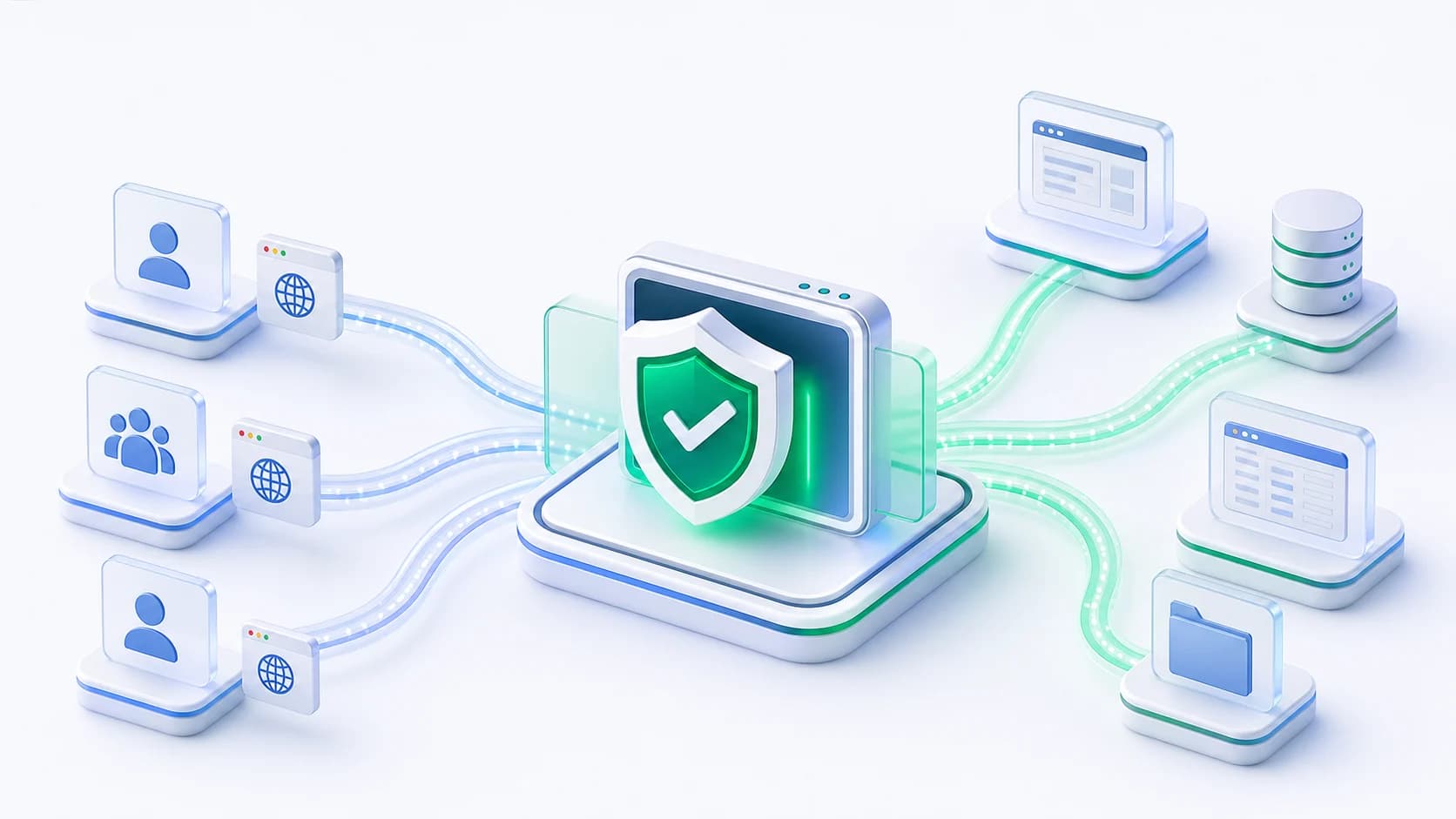
Datawiza Access Proxy sits in front of the ERP web application or portal. Users keep the login path they already know, while Datawiza adds MFA, access policy, and audit before allowing traffic to continue.
Compare paths
ERP MFA projects often turn into app upgrades, ERP-specific identity projects, or custom login work. Datawiza is for web-based ERP applications that need stronger access control now, without waiting for every ERP module, portal, or vendor-managed system to be rebuilt.
| Criteria | Datawiza | ERP upgrade or custom MFA integration |
|---|---|---|
| Project scope | Place Datawiza Access Proxy in front of the ERP web app or portal and enforce MFA before app access. | May require ERP upgrades, module-specific configuration, vendor work, or custom MFA code. |
| ERP coverage | Use the same access-layer pattern across SAP, Oracle, Dynamics, Infor, Epicor, NetSuite, Sage, Acumatica, and custom ERP portals when users access them through the web. | Each ERP system, version, and module may require a different identity integration path. |
| Identity provider | Use Datawiza built-in MFA when an IdP is not required, or integrate with Entra ID, Okta, Ping, Duo, Auth0, Cognito, or another IdP when useful. | Often depends on a broader SSO, IdP, directory, or ERP identity-stack project. |
| Rollout | Pilot one ERP web app, validate login/session behavior, then expand the same proxy pattern across more ERP access points. | Usually depends on ERP release cycles, vendor availability, and app-team development timelines. |
Deployment
Run Datawiza in front of on-prem ERP web apps and portals without changing the ERP application stack.
Deploy in AWS, Azure, Google Cloud, or your private cloud for hosted ERP portals and hybrid routing paths.
Use Datawiza hosted service when you want the fastest path for internet-facing ERP portals and vendor access.
FAQ
Datawiza can protect web-based ERP access, including SAP, Oracle EBS, JD Edwards, PeopleSoft, Microsoft Dynamics, Infor, Epicor, NetSuite, Sage, Acumatica, supplier portals, vendor portals, and custom ERP web applications when traffic can be routed through the access proxy.
No. Datawiza enforces MFA at the access proxy layer before users reach the ERP application, so teams do not need to rewrite ERP login code just to add MFA.
No. Datawiza has built-in MFA, so a separate IdP is not required for every ERP app. If you already use Entra ID, Okta, Ping, Duo, Auth0, Cognito, or another IdP, Datawiza can also integrate with it.
Yes. Many ERP MFA projects start with supplier portals, vendor portals, procurement workflows, finance access, admin consoles, or other high-risk web entry points.
Yes. Datawiza is a good fit for mixed ERP portfolios because the enforcement pattern is outside the application. You can start with one ERP access point and repeat the pattern across others.
From industry events to new product releases, read it here first.



Sign up to secure your AI agents and critical enterprise apps