
Protect sensitive HR data
HR portals expose SSNs, W-2s, bank accounts, benefits records, direct-deposit workflows, and other high-value identity data.
MFA for HR systems
HR systems hold the data attackers monetize fastest - SSNs, bank accounts, W-2s, benefits records - behind self-service portals that are internet-facing by design. Datawiza puts MFA in front of web-based HR systems in days: with the identity provider you have, or with built-in MFA for users who were never in it.
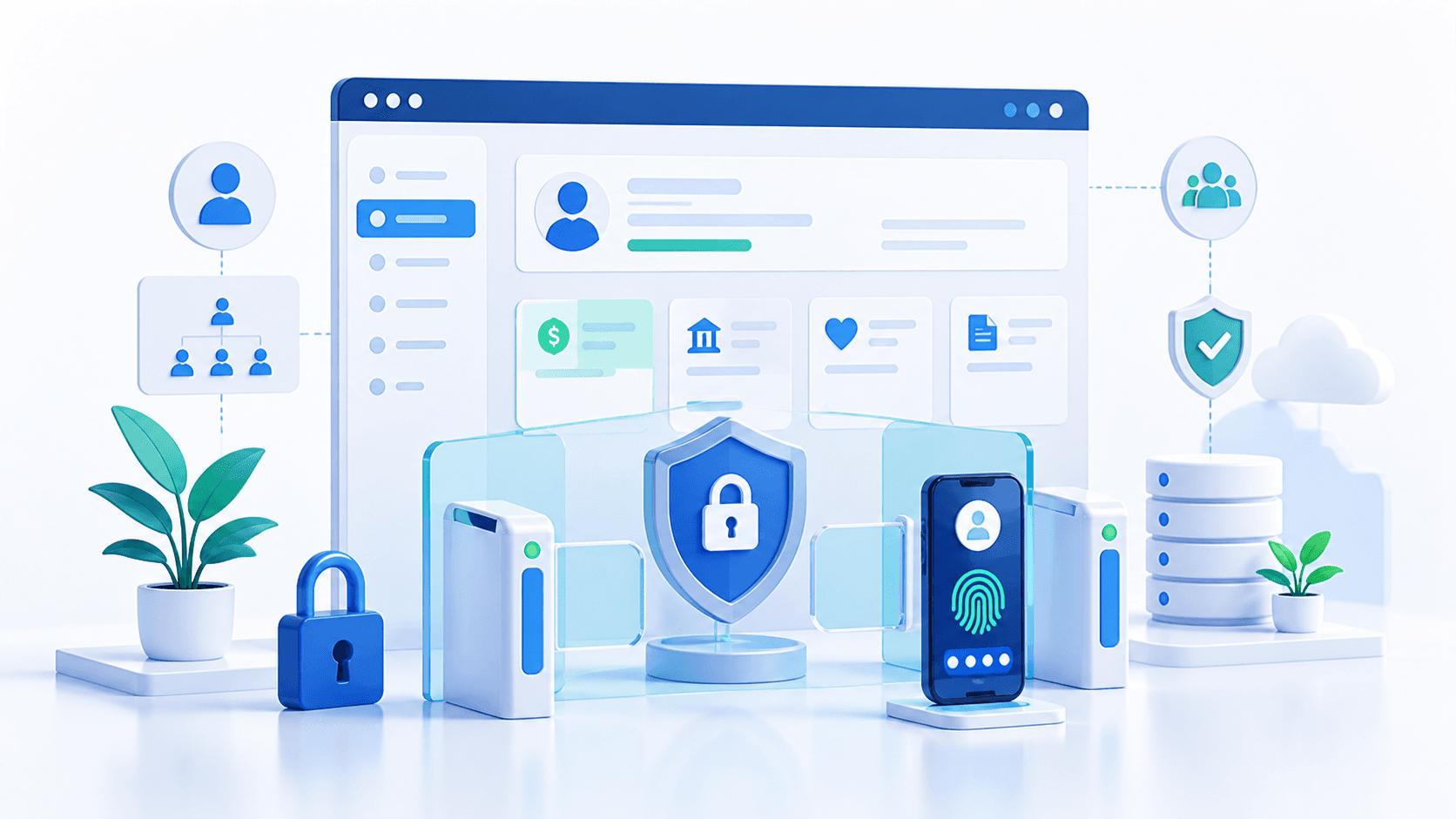











Why HR systems are targeted
An HR system is a database of everything identity theft needs, plus employee self-service workflows that are reachable from home by design. A 2026 exploitation campaign also put PeopleSoft exposure back in front of security teams, especially for organizations running HR, payroll, campus, and public-sector PeopleSoft environments.
HR portals expose SSNs, W-2s, bank accounts, benefits records, direct-deposit workflows, and other high-value identity data.
Stop a stolen password from being enough to change payroll details, download tax forms, or enter employee self-service.
Use built-in MFA for retirees and seasonal staff, or connect Entra ID, Okta, Ping, Duo, and other IdPs for workforce access.
Compliance and insurance drivers
HR portals show up in cyber insurance renewals, privacy reviews, audit scoping, and public-sector security programs because they hold payroll, tax, benefits, and employee identity data.
Carrier questionnaires commonly ask whether MFA protects business-critical systems, privileged access, remote access, and applications with sensitive PII.
Read the cyber insurance MFA guideEmployee PII, payroll records, tax documents, and direct-deposit workflows can create breach-notification and privacy exposure when credentials are compromised.
See the no-code MFA patternBenefits workflows can touch healthcare-adjacent data. MFA can support broader access-control and audit-control programs for healthcare and benefits systems.
See HIPAA MFA guidanceWhere HR feeds payroll and the general ledger, SOX ITGC access-control testing may evaluate authentication for payroll and financial-system workflows.
Read the SOX MFA guideCounty and public-sector HR portals can overlap with broader public-sector access-control expectations and sensitive workforce records.
Read the CJIS MFA guideThe common pattern is not that HR systems are easy to modernize. It is that payroll, PII, and self-service access are too sensitive to leave behind password-only login.
Strategy
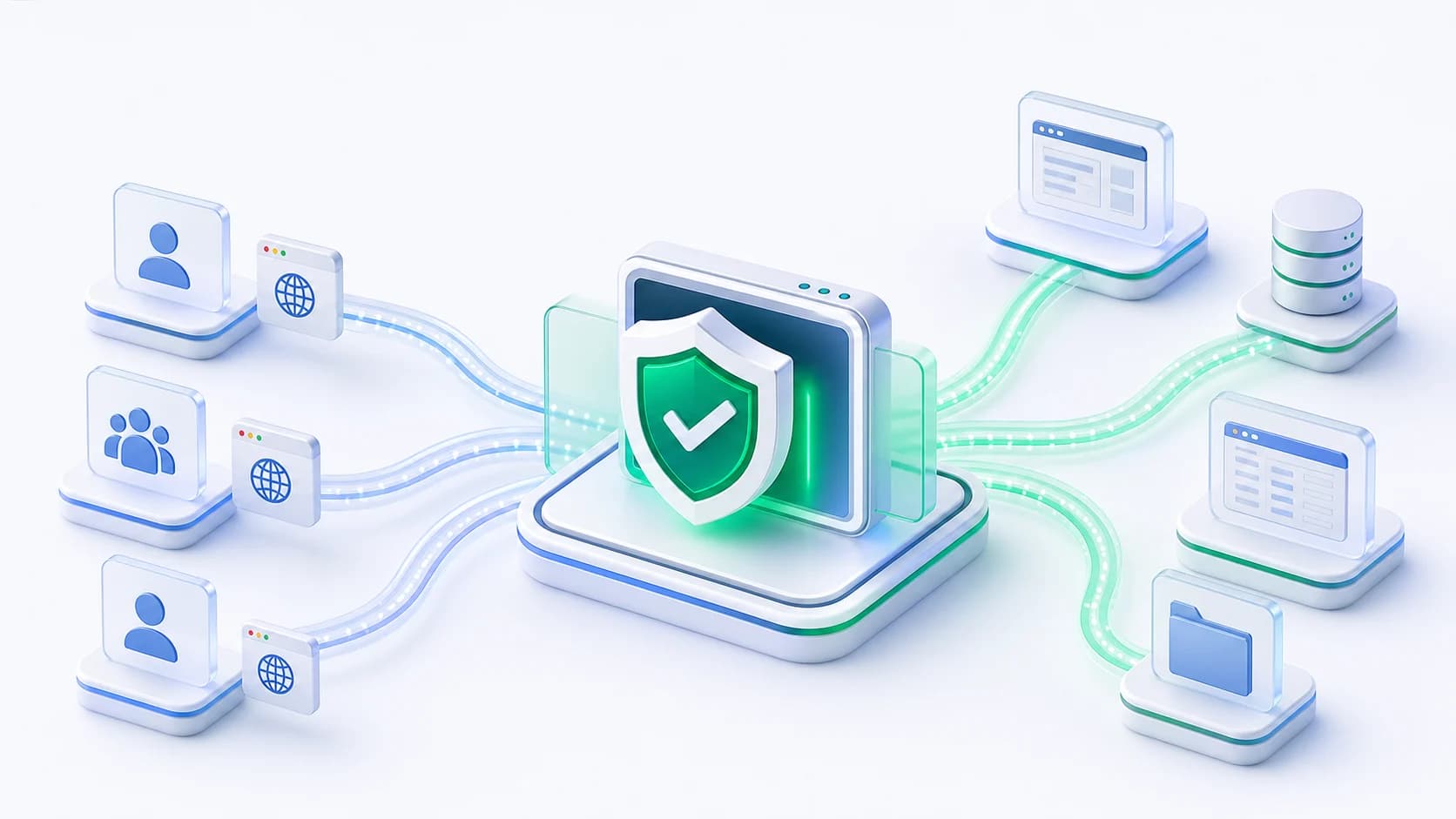
No-code MFA is the access-layer pattern behind this page: enforce MFA in front of an existing web application, either with built-in MFA or your identity provider, while leaving the HR application unchanged.
Use cases
Protect PeopleSoft HCM employee self-service, payroll, tax documents, direct deposit, and benefits access.
Add MFA to payroll portals and direct-deposit workflows where account takeover can become payroll diversion.
Use built-in MFA for retirees, seasonal workers, hourly staff, and former employees who are not in the workforce IdP.
Protect PeopleSoft HCM, JD Edwards HCM, Oracle E-Business Suite HRMS, SAP ERP HCM, ESS/MSS web portals, homegrown HR tools, and vendor HR portals that cannot be rewritten quickly.
How it works
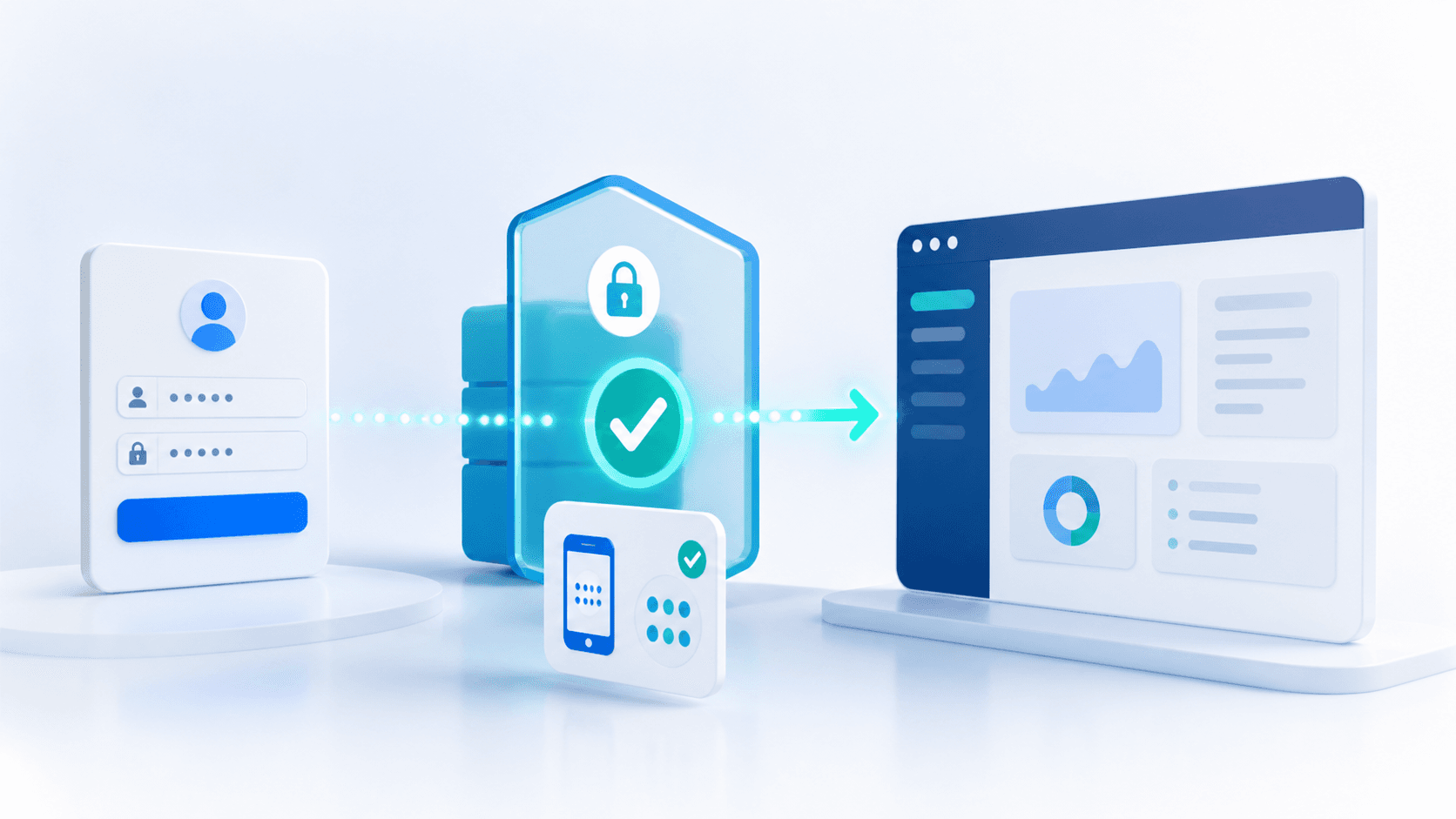
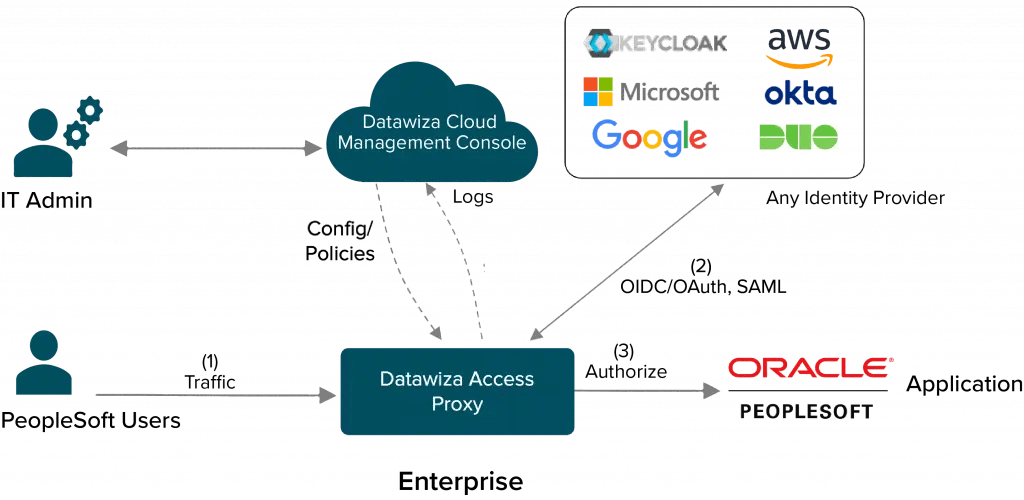
Datawiza Access Proxy sits in front of the HR web application. It can redirect workforce users to your IdP before the HR login page, or it can let users keep the existing HR portal login and enforce built-in MFA after that login succeeds.
Compare paths
HR system MFA often becomes urgent after payroll-diversion fraud, a cyber insurance renewal, a privacy review, or a PeopleSoft exposure. Datawiza is the faster path when an existing HR portal needs MFA now, but the application cannot be changed quickly.
| Criteria | Datawiza | HR app rewrite or IdP-only project |
|---|---|---|
| Project scope | Put Datawiza Access Proxy in front of the HR portal and enforce MFA before access to payroll, PII, and self-service workflows. | Modify the HR application, wait for vendor support, or start a broader identity migration before MFA can be enforced. |
| Retirees and seasonal users | Use built-in MFA for users outside Entra ID, Okta, or the workforce IdP while preserving existing portal credentials. | Often requires new identity accounts, extra licensing, user migration, or a separate external-user identity program. |
| PeopleSoft HCM | Use IdP mode with the standard PSSSOUID pattern, or built-in MFA when existing PeopleSoft login should remain unchanged. | Depends on PeopleTools changes, middleware, custom signon PeopleCode work, or longer Oracle identity projects. |
| Audit evidence | Centralize MFA policy, challenge outcomes, and per-application authentication logs at the access layer. | Evidence may be split across HR app logs, IdP logs, plugins, and custom code paths. |
Deployment
Use Datawiza hosted service when the HR portal is internet-facing and the goal is fast MFA enforcement with minimal infrastructure overhead.
Deploy Datawiza in your cloud, VPC, data center, or hybrid environment when HR systems are private or network-controlled.
Pilot with one HR portal, population, or URL path, then expand to payroll, W-2, benefits, and admin workflows.
FAQ
Yes. Datawiza can enforce MFA in front of PeopleSoft HCM self-service. In IdP mode, PeopleSoft can use the standard PSSSOUID / signon PeopleCode pattern with SSO and MFA. In built-in MFA mode, existing PeopleSoft logins remain unchanged and Datawiza adds the MFA challenge before application access.
That is the built-in MFA case. Retirees, former employees, seasonal staff, and other users outside the workforce IdP can keep their existing portal credentials, while Datawiza enforces MFA before access without requiring IdP accounts or licenses for them.
It removes the attack's precondition: a phished or reused password alone no longer opens the self-service portal. Pair MFA with the HR application's own direct-deposit change notifications, approval rules, and fraud-monitoring controls for defense in depth.
Any web-based HTTP or HTTPS HR application, including PeopleSoft HCM, JD Edwards HCM, Oracle E-Business Suite HRMS, SAP ERP HCM, ESS/MSS web portals, employee self-service portals, payroll portals, benefits portals, and homegrown or vendor HR systems.
Deployments are measured in days for the access-layer pattern: place the proxy, choose IdP mode or built-in MFA, pilot with one population or portal, then cut over routing or DNS.
From industry events to new product releases, read it here first.
Sign up to secure your AI agents and critical enterprise apps