
Identity is easy to skip
Many early MCP deployments are launched before enterprise identity, lifecycle, and access reviews are fully mapped to agent tool use.
AI agent governance
Secure MCP tool calls with enterprise identity, data loss prevention (DLP), and PII protection. Control which tools agents can use, inspect arguments and results, protect credentials, and audit every call without changing your MCP server code.










Category overview
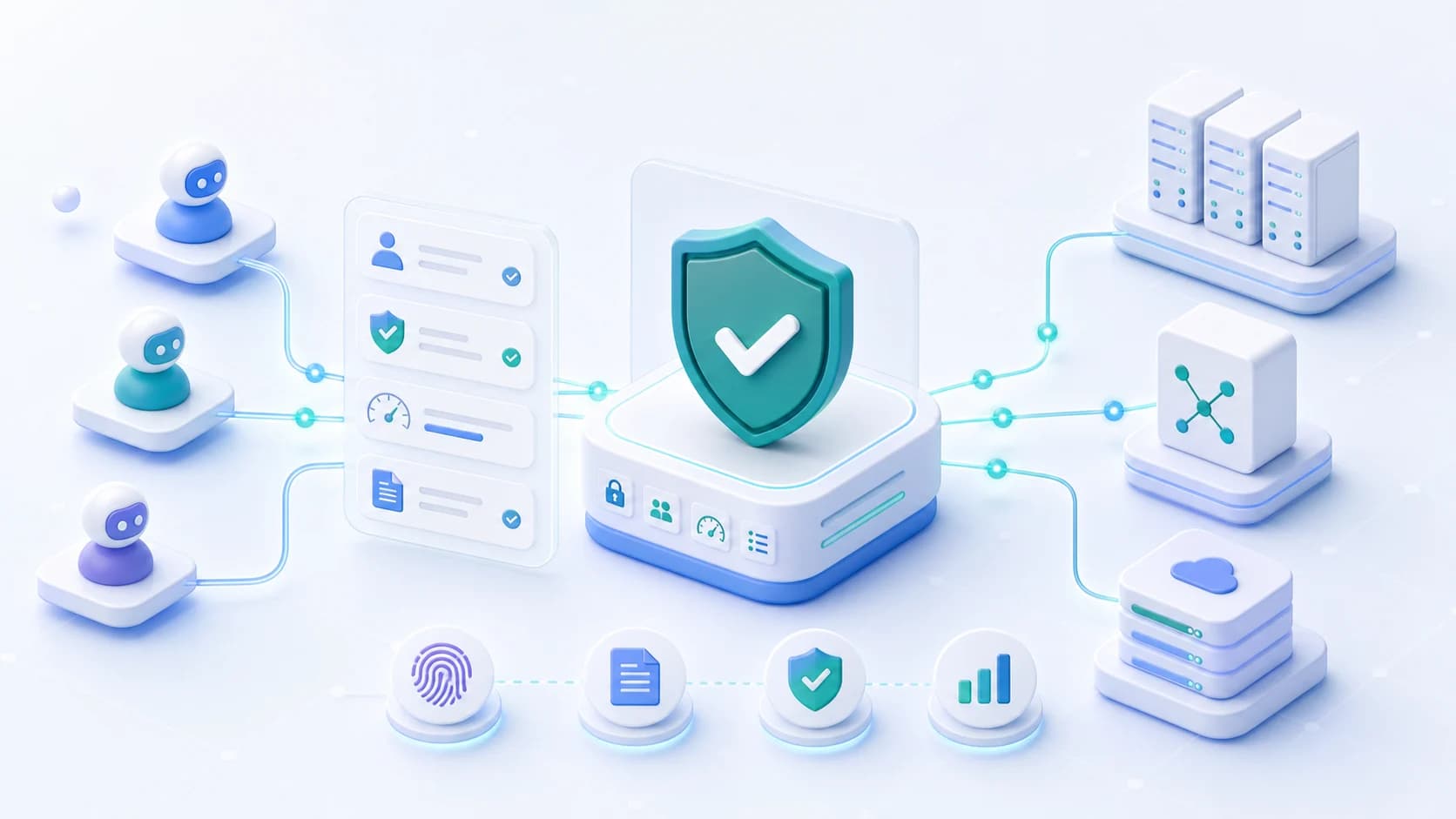
The Model Context Protocol gives AI agents and assistants a standard way to call tools: query a database, file a ticket, retrieve a document, or update a record. An MCP gateway is a reverse proxy purpose-built for that traffic. It sits between MCP clients and MCP servers, then enforces who may connect, which tools each identity may see and call, how fast they can call them, and what audit trail is recorded. The need is practical. MCP servers are being stood up quickly, especially when teams expose them so cloud-based assistants like ChatGPT, Claude, or Copilot Studio can reach enterprise tools. Without a gateway, an MCP server URL can become a broad path to whatever the tools behind it can do.
Many early MCP deployments are launched before enterprise identity, lifecycle, and access reviews are fully mapped to agent tool use.
An approved read tool can return customer PII, secrets, or confidential records. Write, export, and admin tools add further risks that require access and content policies.
Security teams need to know which person, agent, tool, action, policy, and downstream system were involved in each request.
What the gateway enforces
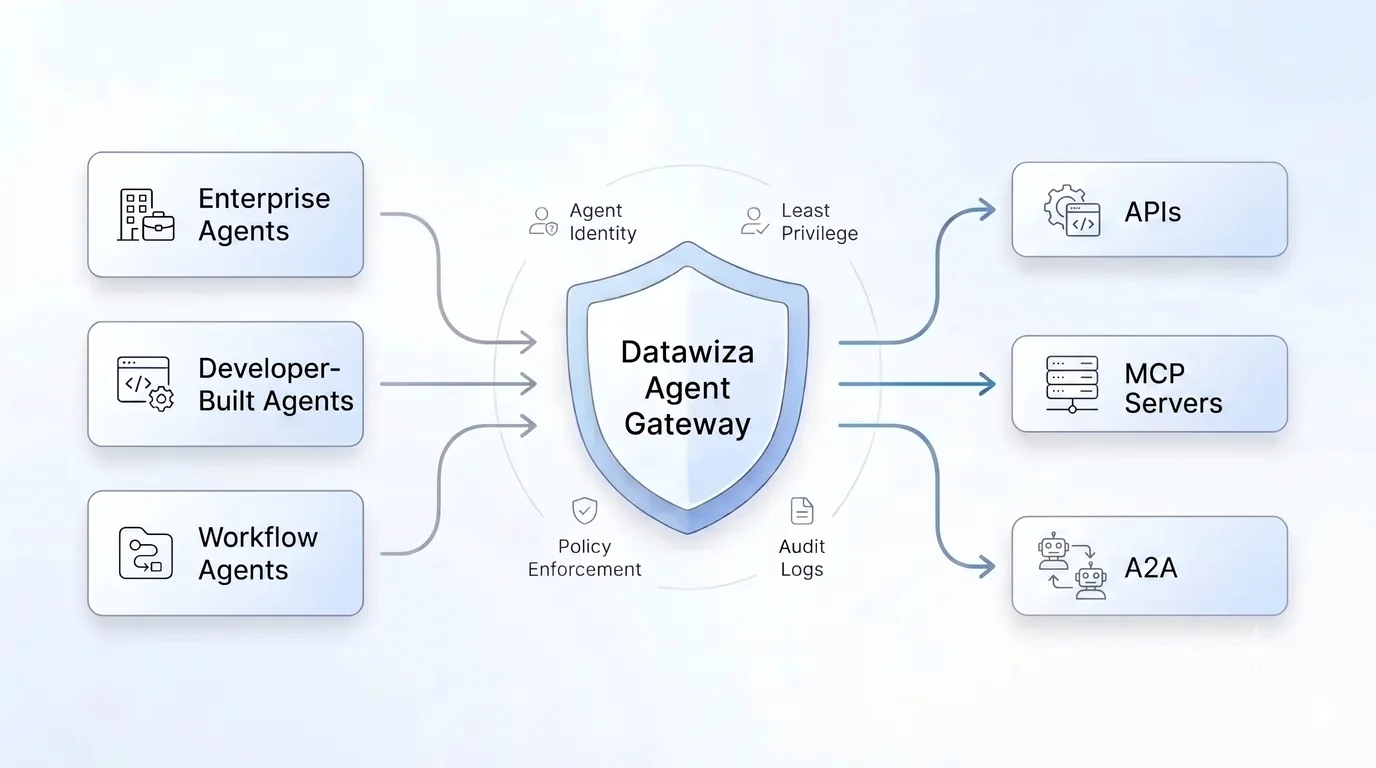
Datawiza Agent Gateway combines enterprise identity, tool authorization, and sensitive-data protection in front of MCP servers. Apply access policies and inspect tool arguments and results without changing MCP server code.
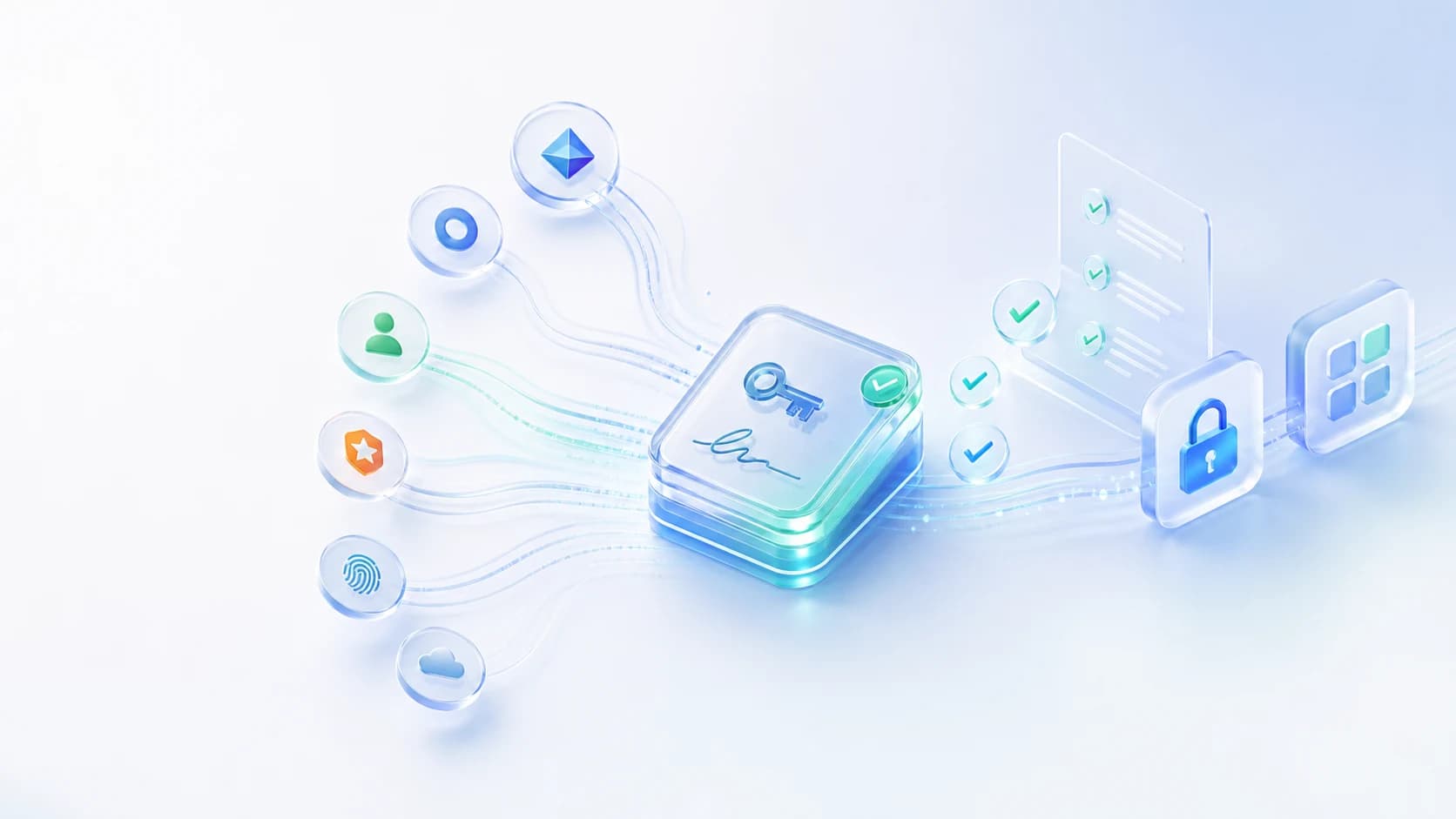
Users and agents sign in through your IdP before any request reaches the MCP server. Access can use Microsoft Entra ID, Okta, or another OIDC-compliant provider.
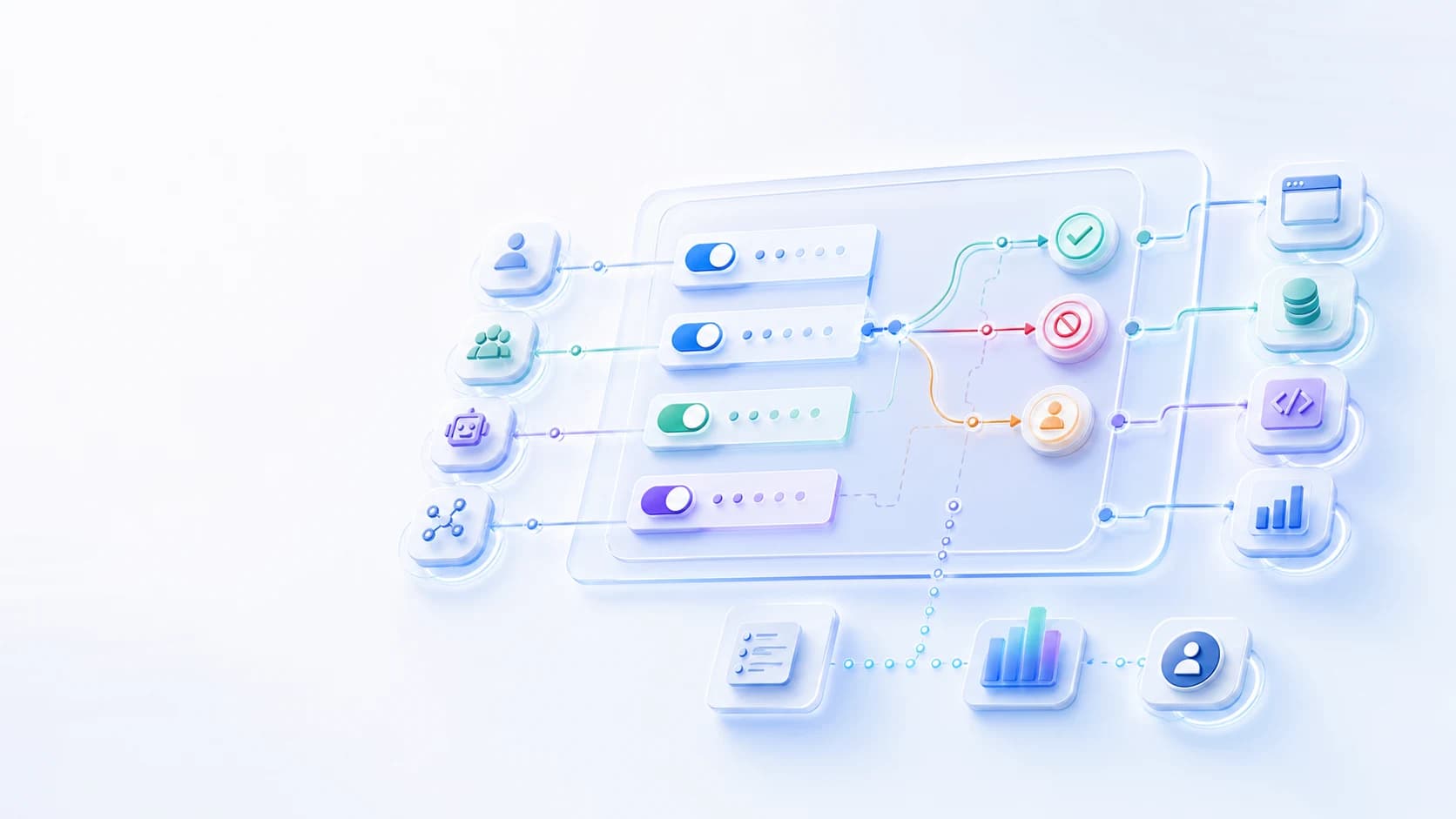
Filter which tools each identity can discover with tools/list and enforce which tools or actions it can invoke with tools/call.
Apply per-user and per-agent limits, then attribute usage to real identities for cost control, abuse detection, and operational review.
Keep upstream secrets in the gateway so agents and users never hold the keys to the systems behind your MCP tools.
Record authenticated identity, MCP server, tool, access decisions, DLP events, and enforcement outcomes for audit and security review.
Inspect tool arguments and returned content for PII, secrets, and sensitive data. Block or redact matched values according to policy.
Architecture
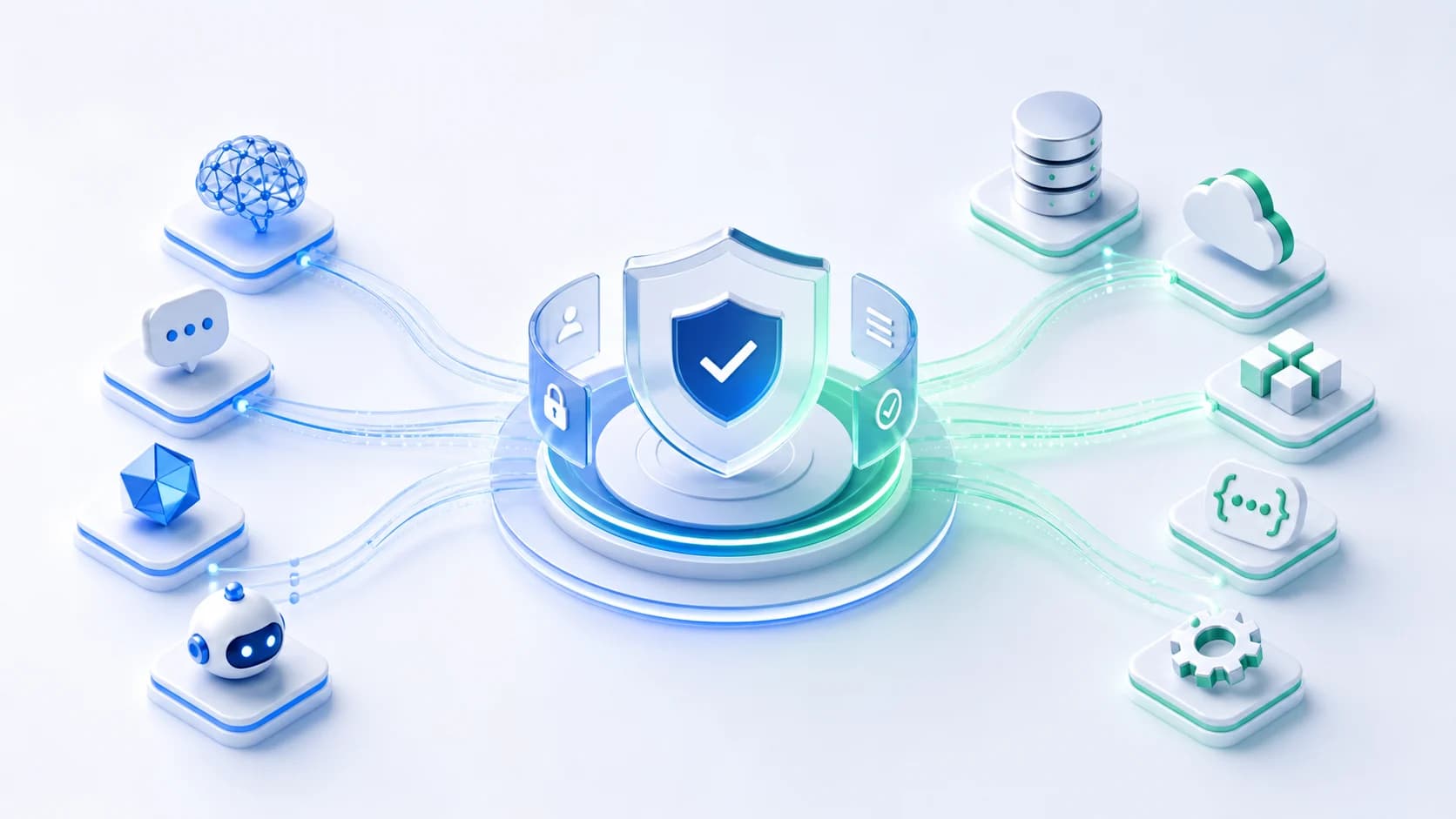
Agents and MCP clients connect through Datawiza. The gateway validates identity, authorizes the tool, applies DLP to its arguments, and brokers credentials before forwarding approved requests. Returned tool content passes through response inspection before it reaches the agent.
Step 1
Authenticates with Entra ID, Okta, or another IdP and receives a signed access token.
Step 2
Validates issuer, audience, signature, expiry, scopes, and claims, then checks MCP server, tool, and action policy.
Step 3
Receive only approved MCP requests. Denied, approved, and approval-routed decisions are logged.
Identity providers
Deployment options
Token validation: trust the IdP token only after Datawiza verifies it.
Tool policy: allow or deny by agent, claim, MCP server, tool, action, and environment.
Audit: record who or what called the tool, which policy matched, and the outcome.
Sensitive data protection
Apply data loss prevention (DLP) to both directions of MCP traffic: arguments sent to tools and results returned to agents. Help prevent sensitive-data leaks by detecting PII and secrets, then blocking or redacting matched content according to policy.
Detect PII, credentials, and restricted content in tool arguments before forwarding the request to an internal or third-party MCP server.
Inspect data returned by MCP tools and block or redact matched sensitive values before the result reaches the agent.
Govern sensitive content in requests and responses, with detections and enforcement outcomes tied to the user, agent, MCP server, and tool.
Identity-native control
Most gateway approaches can answer whether a request has a token or key. Enterprise security teams need a stronger answer: which person or agent did this, under whose authority, and what policy allowed it? Agent Gateway binds MCP access to enterprise identity, so lifecycle controls, group changes, disabled accounts, and agent identities matter at the gateway layer.
Use Entra ID, Okta, or another OIDC-compliant provider as the source of identity for MCP access decisions.
Evaluate user, group, agent, delegated context, server, tool, action, and environment before forwarding a request.
Disable a user, revoke an agent credential, or change a group in the IdP and MCP access follows the same lifecycle.
Deployment
Agent Gateway runs as a lightweight containerized reverse proxy in your cloud, DMZ, or data center, managed from a central console. Point the MCP server public hostname at the gateway, connect your IdP, define tool policies, and reuse the same deployment model for REST API traffic from agents.
Deploy close to your MCP servers in cloud, hybrid, DMZ, or private-network environments.
Configure identity, tool policies, DLP rules, rate limits, credential handling, and audit export centrally.
Use the same Agent Gateway control layer for MCP servers, LLM APIs, internal APIs, SaaS APIs, and enterprise tools.
Workflow
Start with one MCP server, connect enterprise identity, and define tool access and DLP policies. Review permitted calls, blocked transfers, and redacted results before expanding to more workflows.
Use cases
Require sign-in and tool-level policy before cloud-based assistants can reach an enterprise MCP endpoint.
Let agents retrieve approved customer, employee, and financial records while masking sensitive fields according to policy before results reach the model.
Allow read-only tools broadly while restricting write, export, delete, production, or admin actions to approved identities.
Attribute calls and DLP events to real users and agents, throttle high-volume access, and send enforcement decisions to security tooling.
Comparison
Open-source or DIY MCP gateway
Usually starts with API keys, custom middleware, or platform-owned proxy code that each team must maintain
Datawiza Agent Gateway as an MCP gateway
Open-source or DIY MCP gateway
Often stops at server, endpoint, or connection-level allow lists unless the team builds tool filtering itself
Datawiza Agent Gateway as an MCP gateway
Open-source or DIY MCP gateway
Content inspection depends on the gateway, configured filters, and integrations used
Datawiza Agent Gateway as an MCP gateway
Open-source or DIY MCP gateway
Rate limits and attribution may require custom logs, custom dashboards, and per-client configuration
Datawiza Agent Gateway as an MCP gateway
Open-source or DIY MCP gateway
Downstream API keys, OAuth tokens, and service credentials can spread into clients, config files, or server code
Datawiza Agent Gateway as an MCP gateway
Open-source or DIY MCP gateway
Support and incident response depend on the internal platform team that assembled the gateway layer
Datawiza Agent Gateway as an MCP gateway
Ecosystem
Agent Gateway is designed for the way enterprises actually adopt MCP: cloud-based assistants, local MCP clients, custom agents, internal MCP servers, SaaS MCP servers, and REST APIs that sit beside MCP workflows.
ChatGPT, Claude, Copilot Studio, IDE agents, desktop MCP clients, custom copilots, and workflow agents.
Internal MCP servers that expose databases, files, ticketing systems, ERP APIs, developer tools, or custom enterprise workflows.
SaaS and vendor-hosted MCP servers where teams need central identity, credential, policy, and audit controls.
LLM APIs, REST APIs, internal services, and enterprise applications that agents call outside the MCP path.
Why Datawiza
Enforce tool access before execution and inspect sensitive content on both the request and response paths.
Policy is based on enterprise identity, group membership, agent identity, delegated context, tool, action, and environment.
Downstream secrets stay behind the gateway instead of spreading into assistant configs, agent runtimes, or MCP server code.
The same platform governs MCP and API traffic, because agent access rarely stops at one protocol.
Next step
Bring an MCP endpoint, the identities that should use it, and the data you need to protect. See tool authorization, DLP, PII redaction, credential protection, and audit in one workflow.
Setup guides
Protect remote MCP servers with Datawiza Agent Gateway and Microsoft Entra ID before cloud-based assistants or MCP clients can list or call tools.
FAQ
Tool authorization decides which identities may discover and call each MCP tool. DLP checks the content exchanged during an authorized call for PII, secrets, and other sensitive information. Combining the two helps protect confidential records even when the user and agent are permitted to use the tool.
Yes. Datawiza inspects arguments before they reach an MCP server and results before they return to an agent. DLP policies determine whether to block disallowed content or redact matched sensitive values. Each detection and enforcement decision is recorded with the identity, MCP server, and tool context.
An MCP gateway is a reverse proxy between MCP clients and MCP servers. Datawiza combines authentication, tool-level authorization, DLP and PII protection, rate limits, credential protection, and audit so teams can govern both tool access and the data exchanged.
MCP includes an OAuth-based authorization specification, but authentication is not automatic in every MCP deployment. Many teams still need an enterprise enforcement point that connects MCP access to their IdP, lifecycle controls, tool policies, and audit systems.
Yes. For remote MCP servers, Datawiza Agent Gateway can require sign-in through Microsoft Entra ID or another identity provider before ChatGPT users can list or call tools. The linked setup guides show the pattern for ChatGPT and Claude.
No. MCP gateway is a core use case of Datawiza Agent Gateway, which governs both MCP traffic and REST API calls from AI agents under one identity-native policy layer.
No. Datawiza Agent Gateway fronts existing MCP servers as a reverse proxy. The MCP server code and standard MCP clients stay intact while the gateway enforces identity, policy, rate limits, credential protection, and audit.
Agent Gateway can govern MCP servers and plain REST API traffic from agents. That matters because real agent workflows often call MCP tools, LLM APIs, internal APIs, SaaS APIs, and enterprise applications in the same workflow.
From industry events to new product releases, read it here first.


Sign up to secure your AI agents and critical enterprise apps