
Token and credential exposure
MCP clients, desktop tools, and agent runtimes can accumulate OAuth tokens, API keys, and local configuration that security teams cannot easily monitor or revoke.
AI agent governance
Secure MCP servers and agent tool calls with enterprise identity, least-privilege authorization, credential protection, approvals, and audit before agents reach sensitive systems.










Security guide
Model Context Protocol makes it easier for AI agents to reach tools, data, and business workflows. That also creates a new access layer where token exposure, excessive tool permissions, insufficient authorization, weak audit trails, and unmanaged MCP servers can become enterprise risk.
MCP clients, desktop tools, and agent runtimes can accumulate OAuth tokens, API keys, and local configuration that security teams cannot easily monitor or revoke.
A single MCP server may expose search, read, write, export, and admin-like tools. Broad server access is rarely the right security boundary.
Agent actions need logs that show the real user, agent, MCP server, tool, action, policy decision, and outcome across every request.
Datawiza Agent Gateway
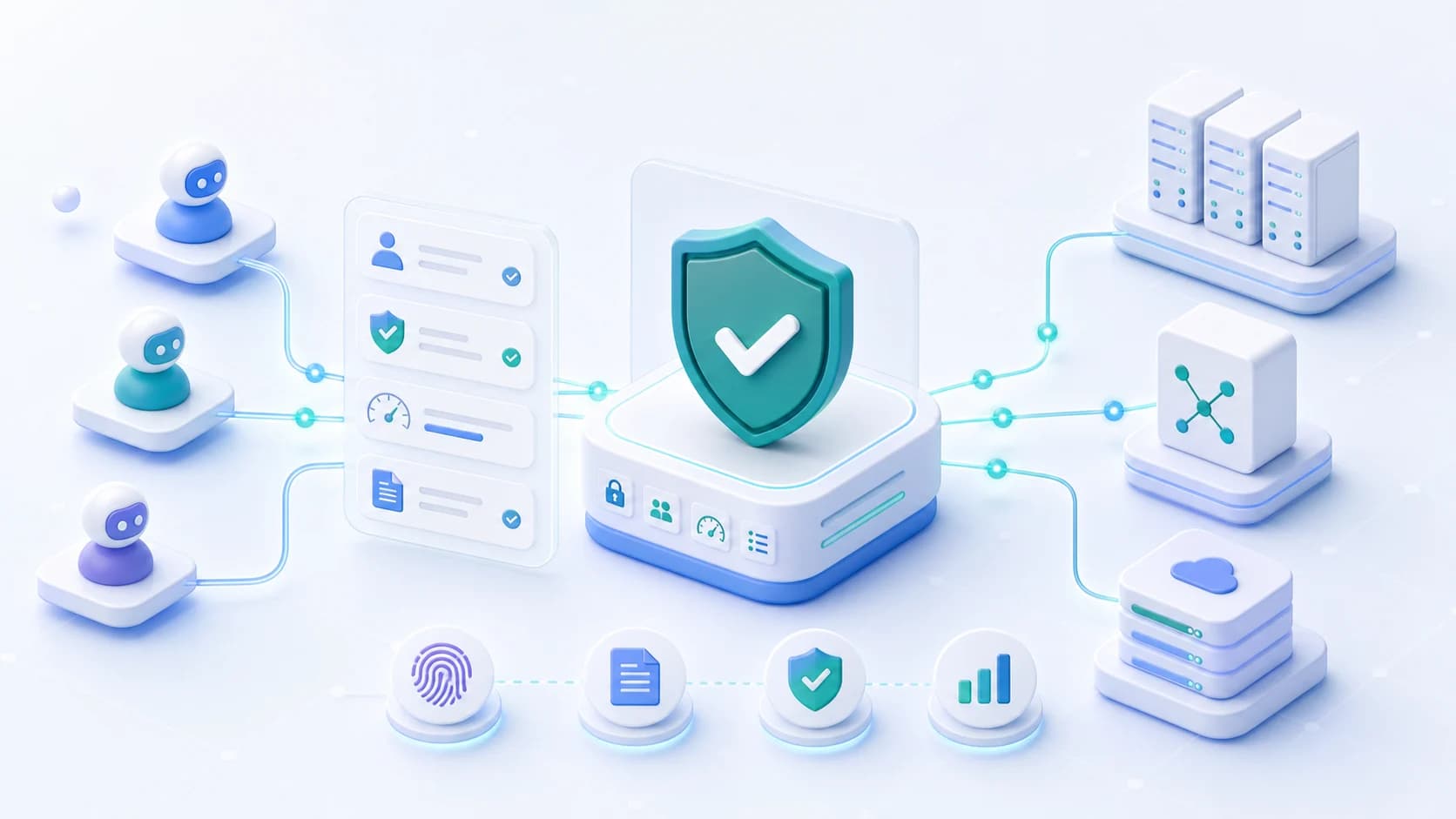
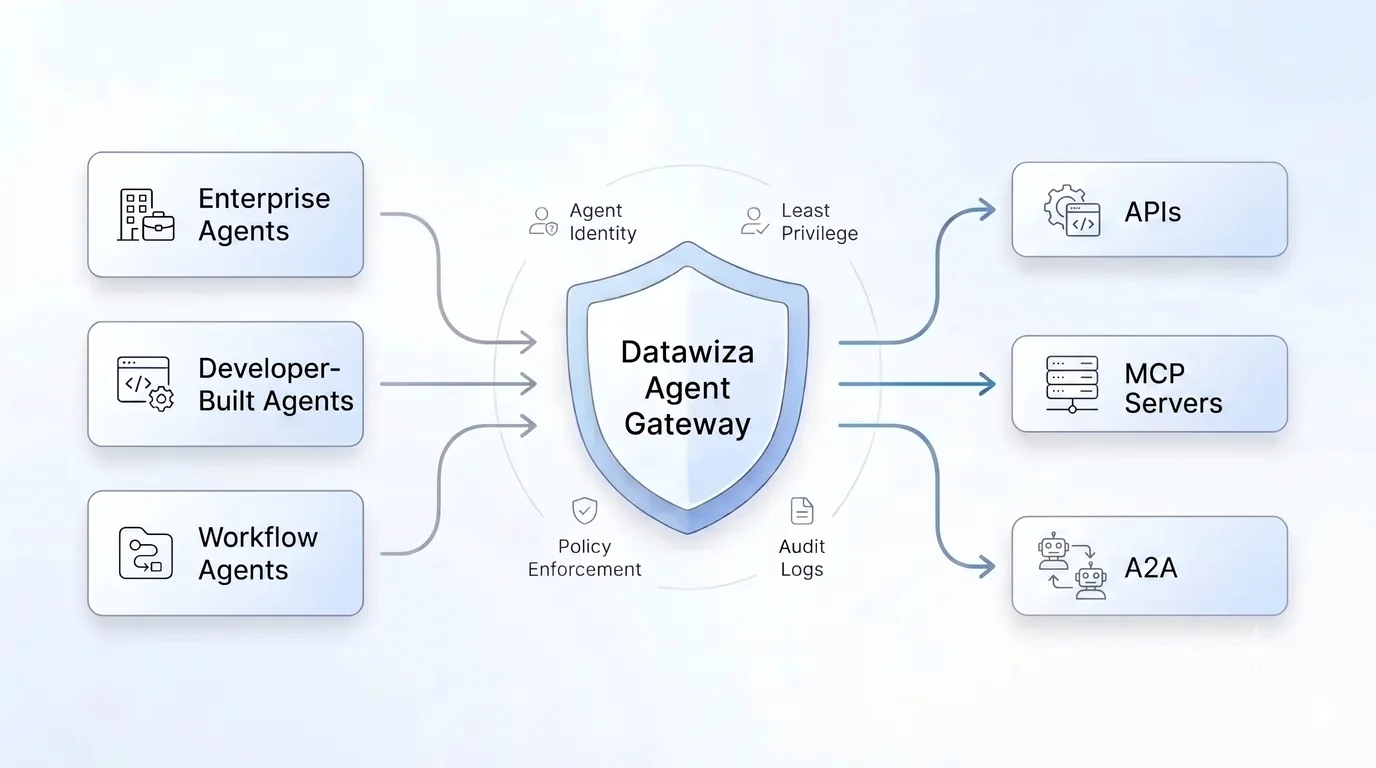
Datawiza secures MCP access at the gateway layer. Agents authenticate with your enterprise IdP, then Datawiza validates tokens, applies least-privilege policies, protects downstream credentials, and logs each decision before the MCP request reaches sensitive tools.
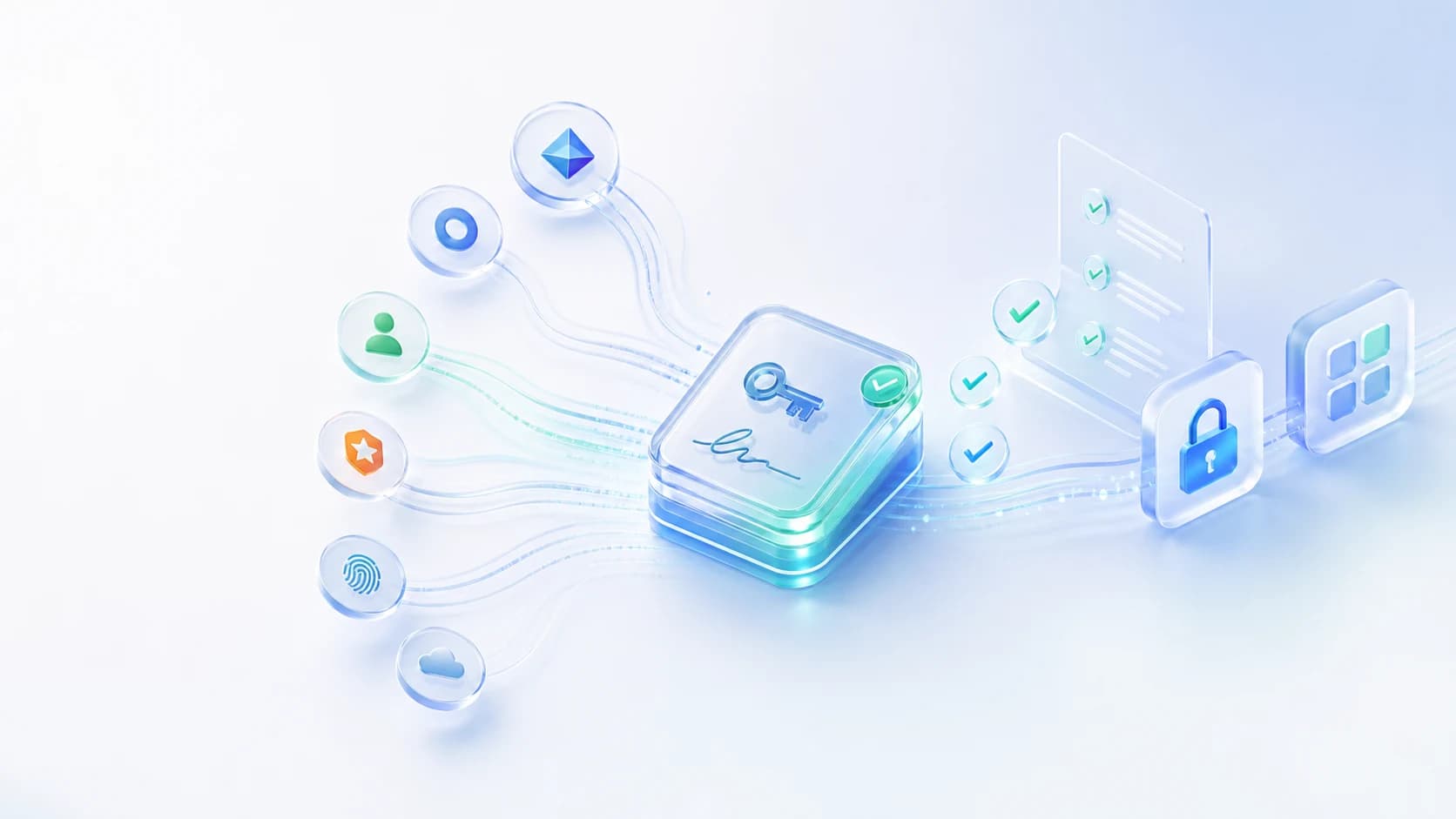
Validate issuer, audience, signature, expiry, scopes, and claims from Entra ID, Okta, Ping, AWS IAM, or another OAuth/OIDC provider.
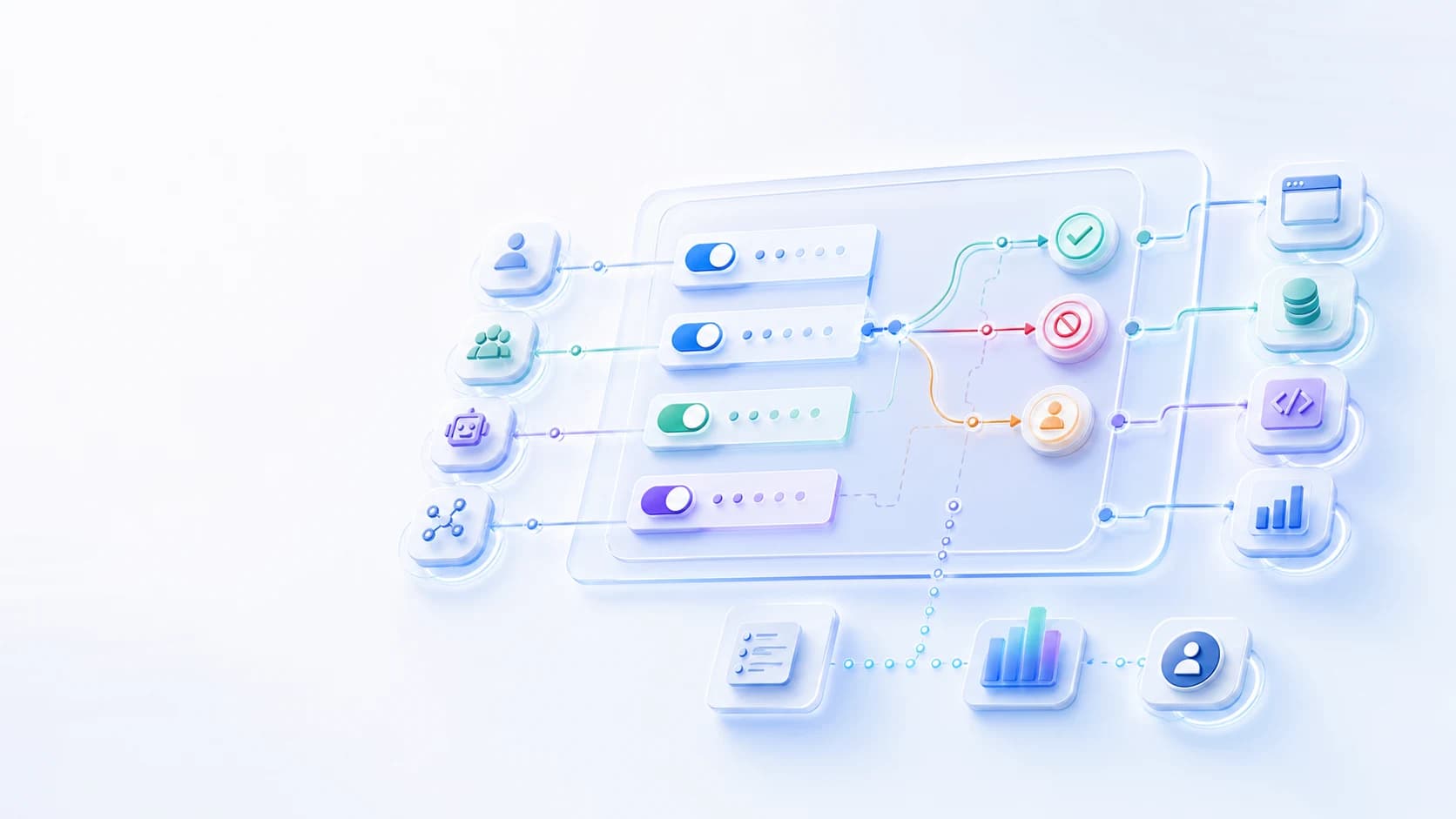
Control MCP access by user, group, agent, environment, server, tool, action, and risk level instead of relying on broad connector access.
Keep downstream OAuth tokens, API keys, and service credentials out of agent runtimes with gateway-based credential protection.
Deny, constrain, rate-limit, or route sensitive operations for human approval before agents perform risky reads, writes, exports, or admin actions.
Record who or what called each MCP tool, which policy matched, what credential path was used, and whether the action was allowed, denied, or approval-routed.
Deploy in your cloud, on-premises, hybrid environments, or with a Datawiza-hosted service to keep enforcement close to your MCP servers.
Architecture
The safest MCP pattern is to route agent traffic through a policy enforcement layer before requests reach internal or SaaS-hosted MCP servers. That layer should capture both the end-user identity and the agent identity, then enforce access on behalf of the user.
Step 1
Authenticates with Entra ID, Okta, or another IdP and receives a signed access token.
Step 2
Validates issuer, audience, signature, expiry, scopes, and claims, then checks MCP server, tool, and action policy.
Step 3
Receive only approved MCP requests. Denied, approved, and approval-routed decisions are logged.
Identity providers
Deployment options
Token validation: trust the IdP token only after Datawiza verifies it.
Tool policy: allow or deny by agent, claim, MCP server, tool, action, and environment.
Audit: record who or what called the tool, which policy matched, and the outcome.
Checklist
OWASP's MCP guidance is clear on the direction: treat MCP as a privileged access path, apply least privilege, protect credentials, validate requests, isolate servers where needed, and keep strong audit records.
Grant access at the narrowest useful level: user, group, agent, MCP server, tool, action, environment, and risk condition.
Require signed access tokens and validate issuer, audience, expiry, scopes, and claims before trusting the request.
Avoid placing long-lived API keys, OAuth refresh tokens, and service credentials inside agents, laptops, or local MCP config files.
Constrain high-risk parameters and require approval for destructive writes, bulk exports, privileged changes, or sensitive data access.
Keep internal MCP servers behind controlled network paths and avoid exposing experimental servers as if they were production services.
Centralize logs with identity, agent, server, tool, action, policy decision, credential event, and outcome.
Risk model
The OWASP MCP Top 10 and MCP Security Cheat Sheet are useful starting points for threat modeling. For enterprise teams, the practical question is where those controls are enforced consistently.
OAuth tokens, API keys, and service credentials can spread across clients and agent runtimes unless access is centralized.
Agents may receive access to tools or actions beyond what a user, workflow, or environment actually needs.
MCP tool descriptions, schemas, prompts, and untrusted content can influence agent behavior unless requests and tool use are constrained.
Teams can spin up MCP servers faster than security teams can inventory, classify, and monitor them.
Workflow
Start with the MCP servers that expose sensitive data, production workflows, or admin-like actions. Prove the identity, policy, credential, and audit path before expanding.
Use cases
Control agent access to internal MCP servers that expose databases, HR systems, inventory APIs, internal wikis, source code, or business workflows.
Govern access to SaaS-hosted MCP servers such as Salesforce, ServiceNow, Jira, GitHub, Snowflake, Databricks, and similar tools.
Reduce local token sprawl when desktop MCP clients and developer tools connect to enterprise systems.
Require review before agents perform production changes, destructive writes, bulk exports, privileged operations, or sensitive data access.
Comparison
Direct MCP connectivity
Agents connect directly to MCP servers with local config, broad tokens, or server-specific controls
With Datawiza Agent Gateway
Direct MCP connectivity
Permissions are often broad at the server, token, or connector level
With Datawiza Agent Gateway
Direct MCP connectivity
OAuth tokens, API keys, and secrets may live in agent runtimes or desktop configs
With Datawiza Agent Gateway
Direct MCP connectivity
Sensitive reads, writes, exports, and admin actions may run without review
With Datawiza Agent Gateway
Direct MCP connectivity
Logs are split across MCP clients, servers, apps, and identity systems
With Datawiza Agent Gateway
Why Datawiza
Datawiza turns OWASP-style MCP security guidance into an enforceable gateway pattern for real enterprise environments.
Use your existing enterprise IdP and group model instead of creating another standalone authentication layer for MCP.
Add policy, credential protection, and audit at the access layer without rebuilding every agent, MCP server, or downstream app.
Next step
Datawiza Agent Gateway puts identity-aware policy, credential protection, approvals, and audit in front of MCP servers used by AI agents.
Setup guides
Protect remote MCP servers with Datawiza Agent Gateway and Microsoft Entra ID before cloud-based assistants or MCP clients can list or call tools.
FAQ
MCP security is the set of controls that governs how AI agents and MCP clients authenticate, which MCP servers and tools they can use, how credentials are protected, and how each tool-call decision is logged.
The biggest risks include token and credential exposure, excessive permissions, insufficient authorization, weak audit trails, risky tool behavior, prompt or context abuse, and unmanaged MCP servers that are not visible to security teams.
No. API security is still important, but MCP security also needs to understand agent-mediated tool calls, the real user or group behind the agent, tool and action intent, downstream credentials, approvals, and audit evidence.
Enterprises should avoid treating the agent as the only identity. A stronger model captures the end-user identity, the agent identity, and the relationship between them, then uses enterprise-issued JWT claims from Entra ID, Okta, or another IdP to authorize MCP server, tool, and action access at the gateway layer.
Datawiza Agent Gateway validates enterprise IdP tokens, applies server, tool, and action-level policy, protects downstream credentials, routes sensitive actions for approval when needed, and logs every MCP decision.
No. MCP servers should still follow secure engineering practices such as input validation, safe tool design, dependency management, and network isolation. Datawiza adds the access-control, credential, approval, and audit layer in front of those servers.
Yes. Agents can authenticate with Microsoft Entra ID, Okta, Ping, AWS IAM, or another OAuth/OIDC provider, then Datawiza validates the access token and applies policy before forwarding approved MCP requests.
Use these pages to move from general MCP risk guidance into gateway architecture, tool authorization, and authentication design.



Sign up to secure your AI agents and critical enterprise apps