
Server access is too broad
Many MCP deployments start with server-level access, even though one server may expose low-risk lookup tools and high-risk write, export, or admin actions.
AI agent governance
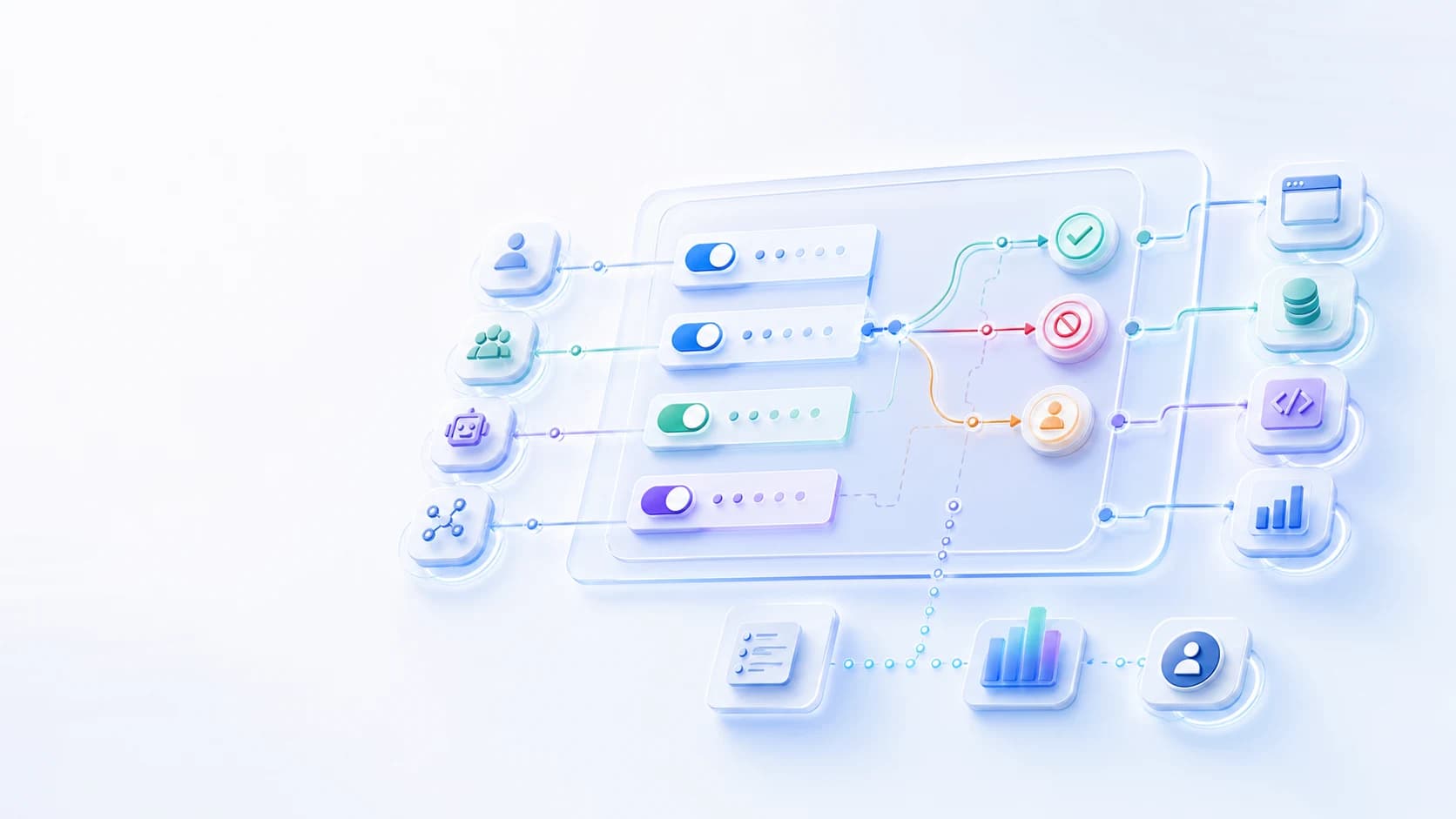
Control which users, groups, agents, MCP servers, tools, actions, environments, and resources are allowed before agent requests reach sensitive systems, with audit for every decision.










Authorization layer
MCP makes tools easy for agents to call. MCP access control decides who or what is allowed to call each server, tool, action, and data path before the request reaches sensitive systems.
Many MCP deployments start with server-level access, even though one server may expose low-risk lookup tools and high-risk write, export, or admin actions.
The right decision depends on the user, group, agent, environment, tool, action, resource, and risk context - not just whether a token exists.
Security teams need to see which policy allowed, denied, constrained, or routed each MCP action for approval.
Datawiza Agent Gateway
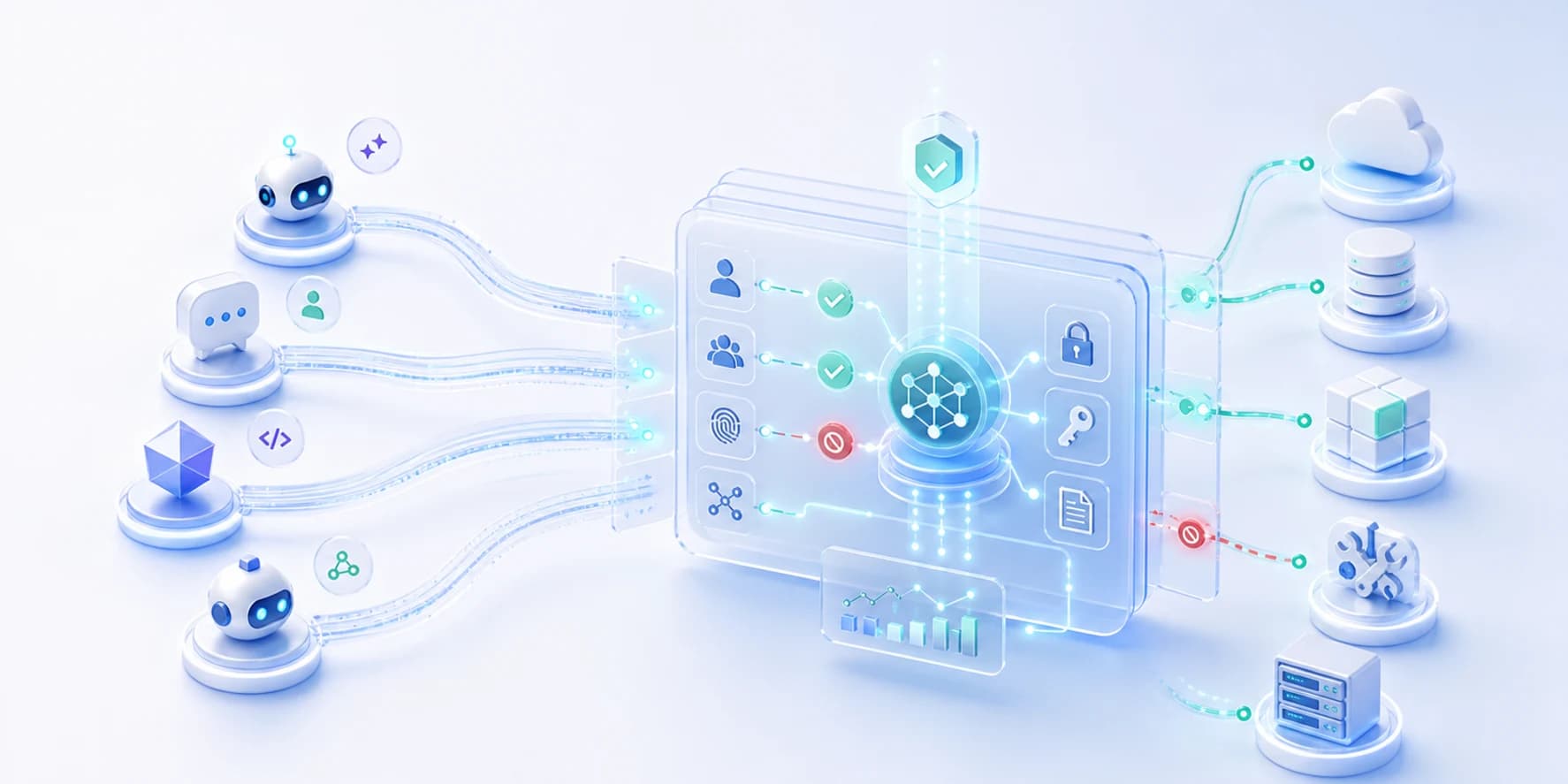
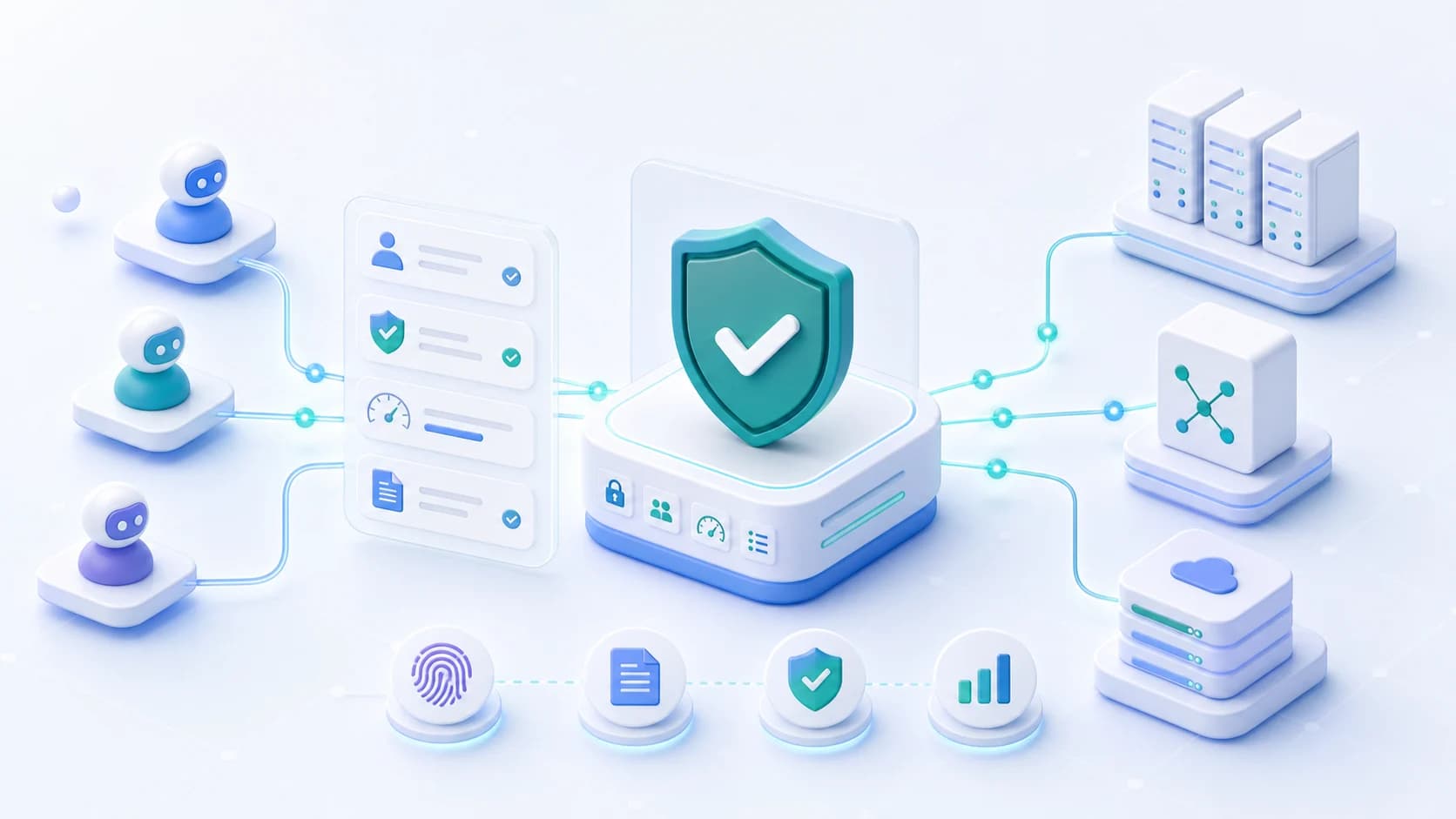
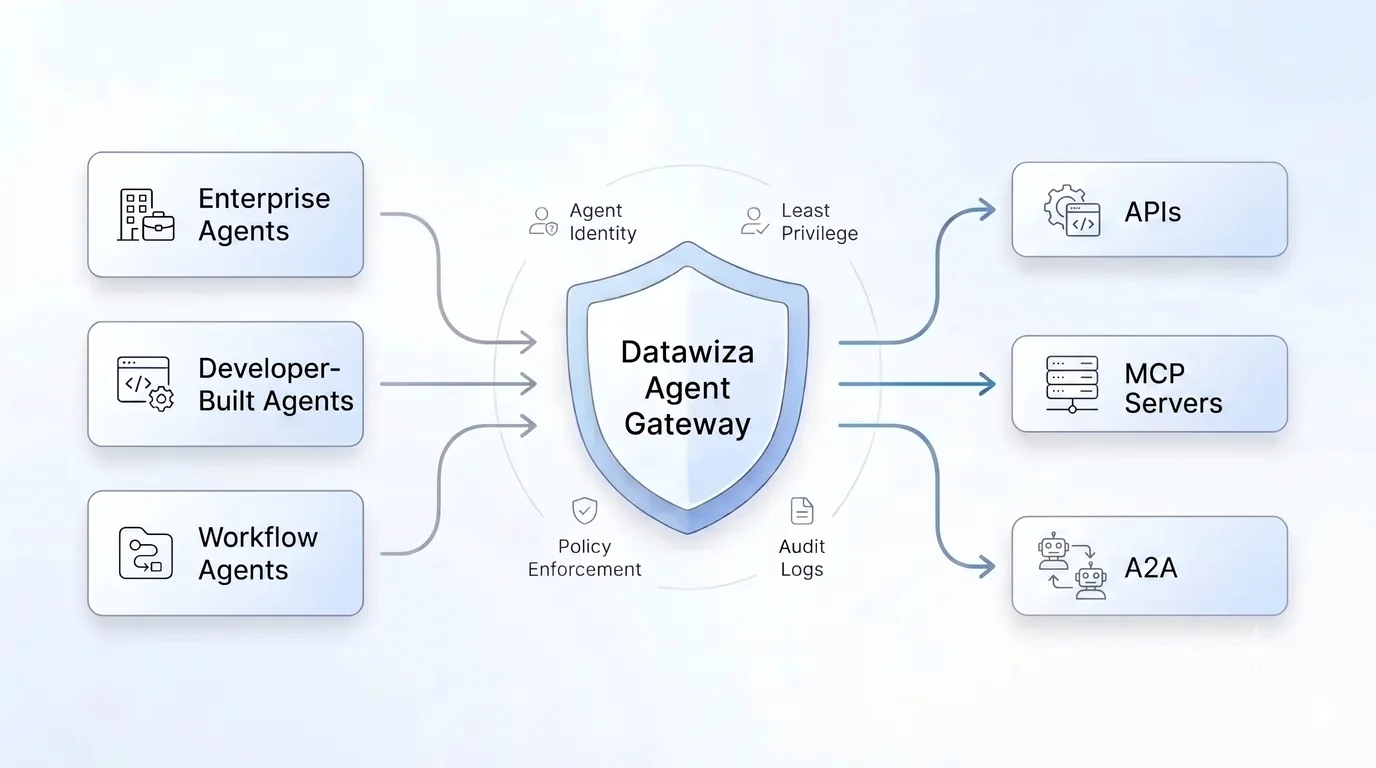
Datawiza sits between agents and MCP servers so access decisions happen before tools run. It validates identity context, evaluates policy, and records the outcome for every request.
Use enterprise identity claims and group membership to decide which users and teams can reach each MCP server, tool, and action.
Include agent identity in the decision so different copilots, desktop clients, service agents, or workflows can receive different access.
Allow, deny, constrain, rate-limit, or approval-route specific tools and actions such as read, write, export, update, delete, or admin operations.
Apply different policies for production, development, network location, session state, risk level, or other runtime conditions.
Limit access to specific data sets, repositories, ticket queues, workflows, APIs, or downstream systems instead of granting broad server access.
Log the user, group, agent, MCP server, tool, action, policy, decision, and outcome for audit and investigation.
Architecture
Agents and MCP clients route tool calls through Datawiza. The gateway validates identity context, evaluates access policy, and forwards only approved MCP requests.
Step 1
Authenticates with Entra ID, Okta, or another IdP and receives a signed access token.
Step 2
Validates issuer, audience, signature, expiry, scopes, and claims, then checks MCP server, tool, and action policy.
Step 3
Receive only approved MCP requests. Denied, approved, and approval-routed decisions are logged.
Identity providers
Deployment options
Token validation: trust the IdP token only after Datawiza verifies it.
Tool policy: allow or deny by agent, claim, MCP server, tool, action, and environment.
Audit: record who or what called the tool, which policy matched, and the outcome.
Policy model
A practical MCP access policy should be explicit about the subject, resource, action, context, decision, and evidence. That keeps access narrow enough for security teams and understandable enough for platform teams.
The user, group, service account, workload, agent, or delegated on-behalf-of relationship making the request.
The MCP server, tool, API, data set, repository, ticket queue, workflow, or downstream system being accessed.
The operation requested: read, search, write, export, update, delete, approve, deploy, or administer.
Environment, session, network path, risk level, time, app path, tool parameters, or sensitivity of the target resource.
Allow, deny, constrain, rate-limit, mask, require approval, or require additional controls before the request proceeds.
The log record that shows who requested access, what policy matched, what decision was made, and what happened next.
Workflow
Start with the highest-risk MCP server or tool action. Prove the policy pattern, then repeat it across additional servers and agent workflows.
Use cases
Let finance users read invoice data while requiring manager approval for payment, export, or vendor-update tools.
Allow developers to search repositories and tickets while restricting production deploys, destructive changes, or secret access.
Give support agents read-only customer context while preventing bulk exports or unauthorized account changes.
Control agent access to Salesforce, ServiceNow, Jira, GitHub, Snowflake, Databricks, and internal MCP servers from one policy layer.
Comparison
Direct MCP connectivity
Agents receive broad access to an MCP server
With Datawiza Agent Gateway
Direct MCP connectivity
Each MCP server implements authorization differently
With Datawiza Agent Gateway
Direct MCP connectivity
Read, write, export, and admin tools may share the same access path
With Datawiza Agent Gateway
Direct MCP connectivity
Logs show that a tool was called, but not always why it was allowed
With Datawiza Agent Gateway
Enterprise IdP claims
Authentication should come from your enterprise IdP. Authorization should happen at the gateway, where validated claims become MCP server, tool, action, environment, and audit policy.
Let agents authenticate with Microsoft Entra ID, Okta, Ping, AWS IAM, Google Identity, or another OAuth/OIDC provider, then present signed access tokens to Datawiza for validation.
Map validated groups, scopes, app roles, tenants, and custom claims to allowed MCP servers, tools, actions, resources, and environments.
Validate issuer, audience, signature, expiry, scopes, and claims before an agent request can reach a protected MCP server.
Export identity-rich audit logs with issuer, subject, group, agent, server, tool, action, policy decision, and result.
Why Datawiza
Access is evaluated before the MCP request reaches a sensitive tool, not after the tool has already run.
Policies can use enterprise identity, group membership, agent identity, and delegated user context.
Start with one MCP server or workflow, then reuse the same access-control pattern across more tools.
Next step
Bring one MCP server, the tools it exposes, and the user or agent groups that need access. We can map the first allow, deny, approval, and audit policies together.
Setup guides
Protect remote MCP servers with Datawiza Agent Gateway and Microsoft Entra ID before cloud-based assistants or MCP clients can list or call tools.
FAQ
MCP access control is the authorization layer for Model Context Protocol traffic. It decides which users, groups, agents, MCP servers, tools, actions, and resources are allowed before a tool call reaches a sensitive system.
MCP security is the broader discipline: risks, token handling, credential protection, server isolation, approvals, and audit. MCP access control is the narrower authorization question: who or what can call which tool and action under which conditions.
Entra ID, Okta, Ping, Google Identity, AWS IAM, and other IdPs authenticate the user, workload, or agent and issue signed tokens. Datawiza Agent Gateway validates those tokens, then uses claims such as groups, scopes, app roles, tenants, and custom attributes in MCP authorization decisions.
Yes. Datawiza Agent Gateway can enforce policy at the MCP server, tool, and action level, and can apply deny, allow, constrain, approval, rate-limit, and audit controls before forwarding approved requests.
Yes. Agents can authenticate with Entra ID, Okta, Ping, AWS IAM, or another OAuth/OIDC provider, then Datawiza uses the validated identity context and claims in access-control decisions.
Usually no. The common pattern is to route agent or MCP client traffic through Datawiza Agent Gateway, then enforce access policies at the gateway layer before approved requests reach MCP servers.
From industry events to new product releases, read it here first.




Sign up to secure your AI agents and critical enterprise apps