
Quick Implementation
Deploy Datawiza in under 10 minutes—fully automated and effortless.
Enable Oracle JD Edwards SSO and MFA with Microsoft Entra ID, Okta, Ping, Duo, Google, or another modern identity provider by placing Datawiza Access Proxy in front of JDE. Modernize access without rewriting JDE login logic or installing patches or plugins.
No Oracle OAM or IDCS required. No JDE code changes, patches, or plugins needed.











Customer proof
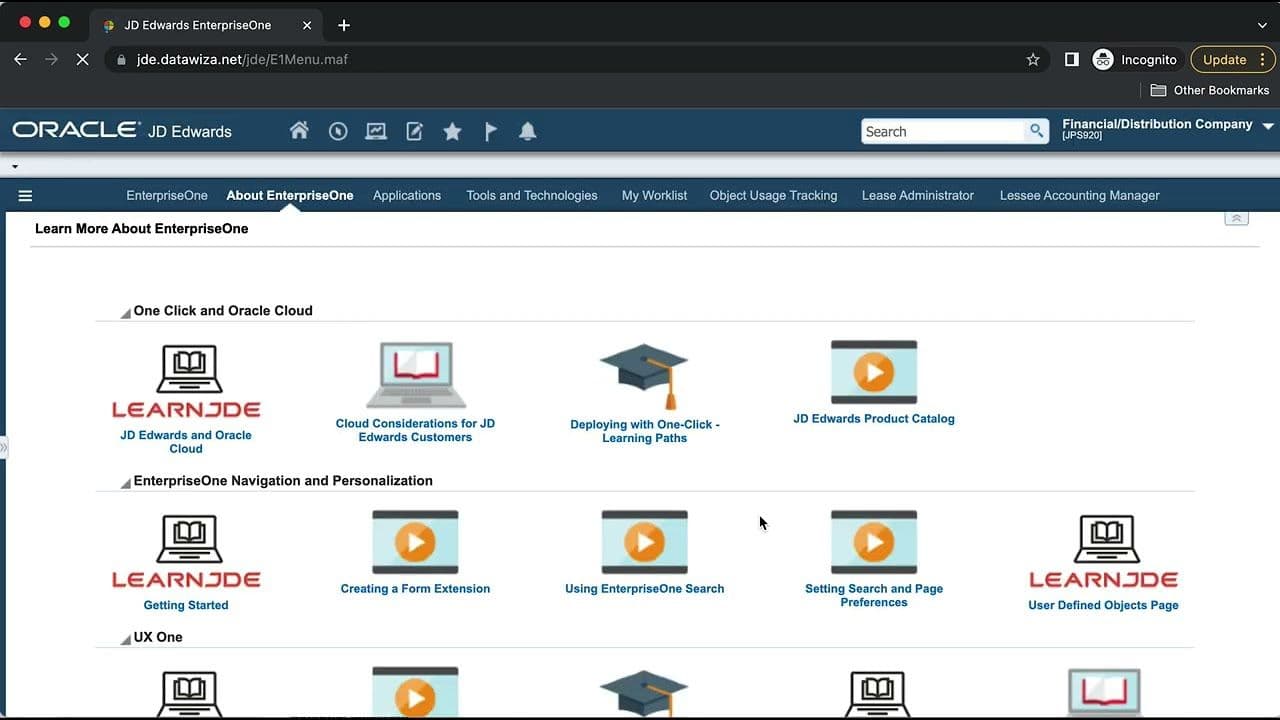
“Datawiza gave us peace of mind around multifactor authentication and a seamless Microsoft authentication experience for our JDE users.”
Datawiza bridge
Why Datawiza
Deploy Datawiza in under 10 minutes—fully automated and effortless.
Datawiza delivers up to 80% cost savings compared to Oracle OAM, OID, and IDCS.
Customer-focused experts with 20+ years in Oracle SSO and MFA, ready to help whenever you need it.
Implementation
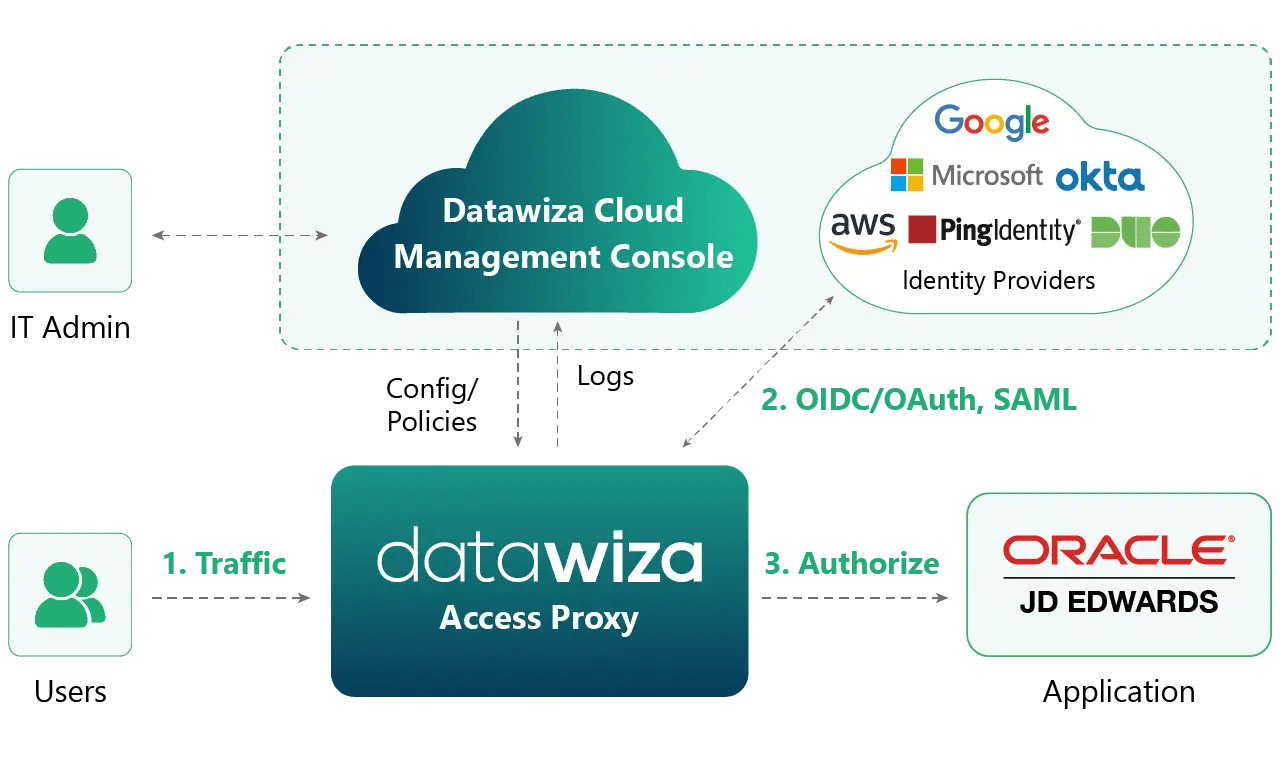
The Datawiza platform consists of two major components:
The Datawiza Access Proxy (DAP) is a container-based reverse proxy. DAP sits in front of JD Edwards to enforce SSO, MFA, and access policies before traffic reaches the application. It can be delivered as a SaaS solution without installation or maintenance, or deployed in your environment on-premises or in the cloud.
The Datawiza Cloud Management Console (DCMC) is a centralized console for configuring access policies. DCMC aggregates logs and provides visibility.
A reverse proxy that can be deployed in your environment or delivered as a managed service.
A centralized console for configuring access policies, aggregating logs, and managing visibility.
Compare paths
Oracle identity projects can be valuable, but they often become broader infrastructure programs. Datawiza is the faster path when the goal is to add modern SSO and MFA to JD Edwards without requiring the Oracle identity stack.
| Criteria | Datawiza Access Proxy | Oracle OAM / IDCS / custom JDE integration |
|---|---|---|
| JDE changes | No JDE code changes, patches, plugins, or application node agents | May require Oracle identity stack work or custom integration |
| MFA enforcement | Enforce SSO and MFA before users reach JD Edwards | Depends on OAM, IDCS, or custom connector architecture |
| Identity provider | Use Microsoft Entra ID, Okta, Ping, Duo, Google, and other modern IdPs | Often tied to a broader Oracle identity deployment or custom integration path |
| User experience | Give JDE users a familiar modern login while keeping the application unchanged | May require more user-facing change depending on the chosen Oracle or custom path |
| Rollout and rollback | Pilot in front of one JDE environment, validate, then expand | Usually a larger change window with more infrastructure dependencies |
From industry events to new product releases, read it here first.




Sign up to secure your AI agents and critical enterprise apps