
Coarse ERP API permissions
Module-level roles, broad service accounts, and connector permissions are usually too wide for agentic workflows.
AI agent governance
Control what custom agents, third-party AI tools, workflows, and chatbots can read or change in ERP systems. Datawiza Agent Gateway enforces least-privilege policy before agent requests reach ERP APIs.









ERP API risk
Operations, IT, and business teams are connecting custom agents, third-party AI tools, chatbots, and SOP-driven AI workflows to ERP systems through APIs. The problem is that many ERP APIs and service accounts expose coarse permissions. An agent that only needs to check inventory, summarize orders, or draft a work order may inherit access to far more data and actions than it should.
Module-level roles, broad service accounts, and connector permissions are usually too wide for agentic workflows.
A single agent workflow may touch customers, inventory, suppliers, work orders, invoices, and production data in one conversation.
Teams need to know who asked, which agent acted, which ERP object was touched, and what policy allowed the action.
Datawiza Agent Gateway
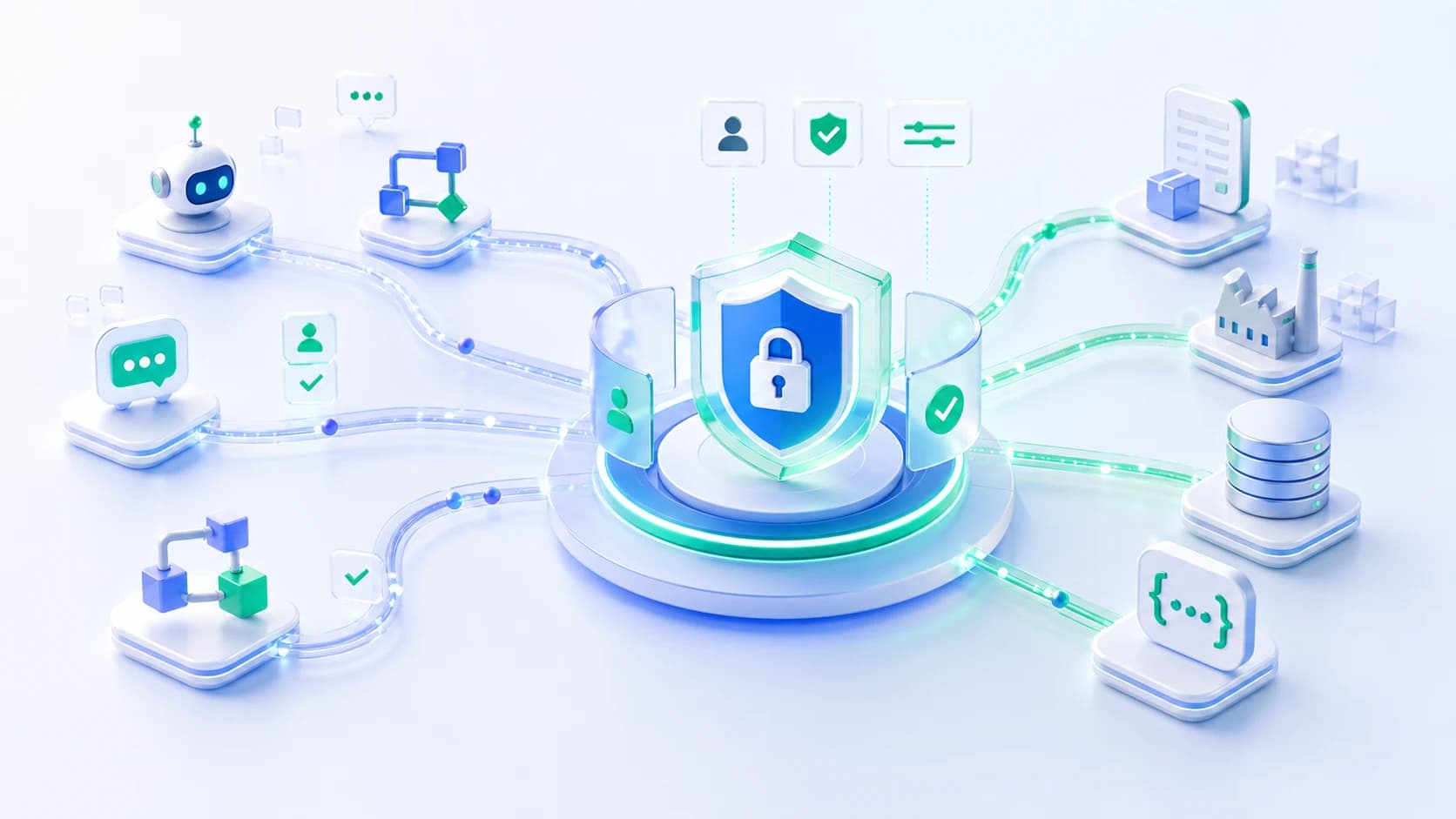
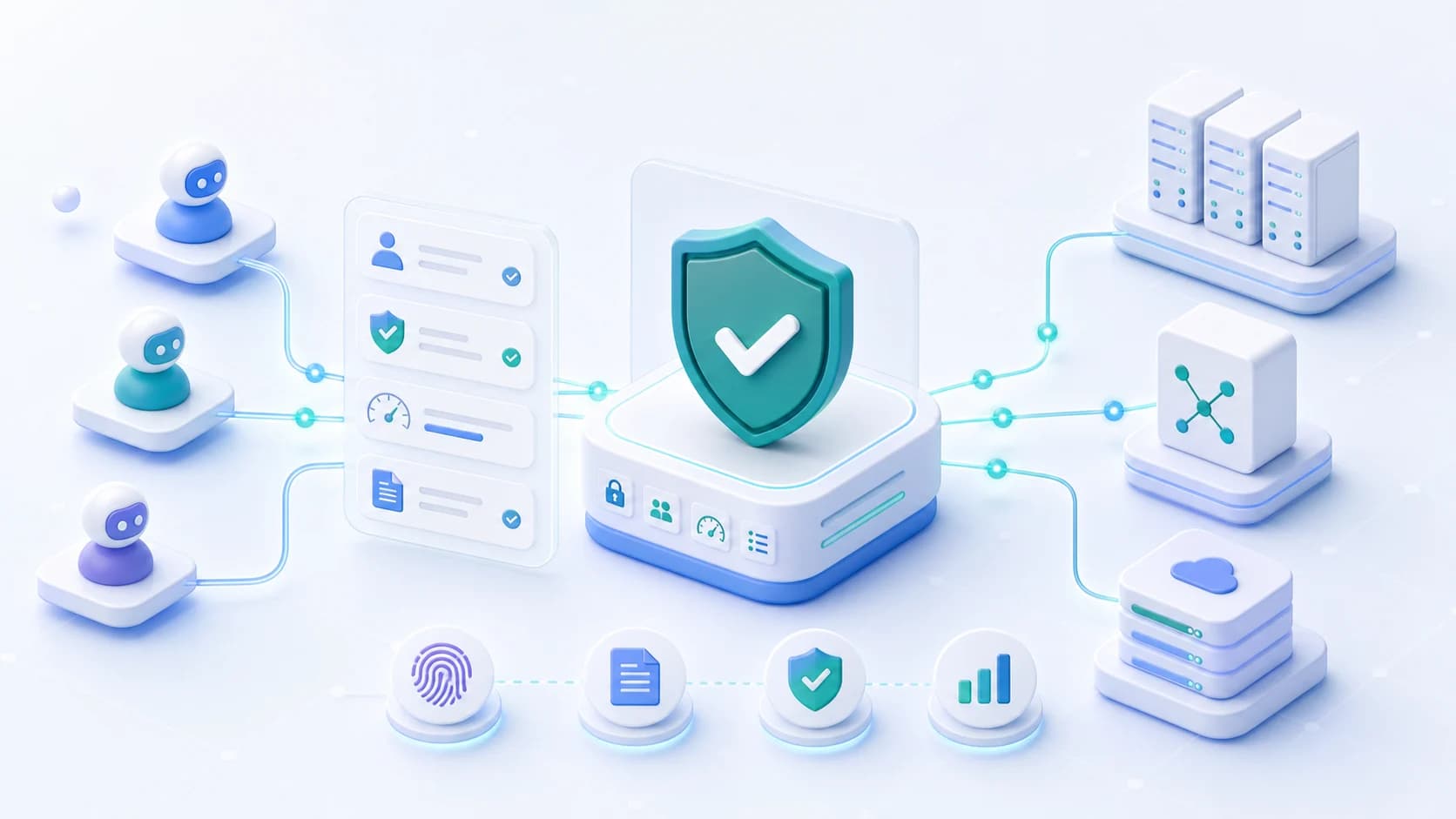
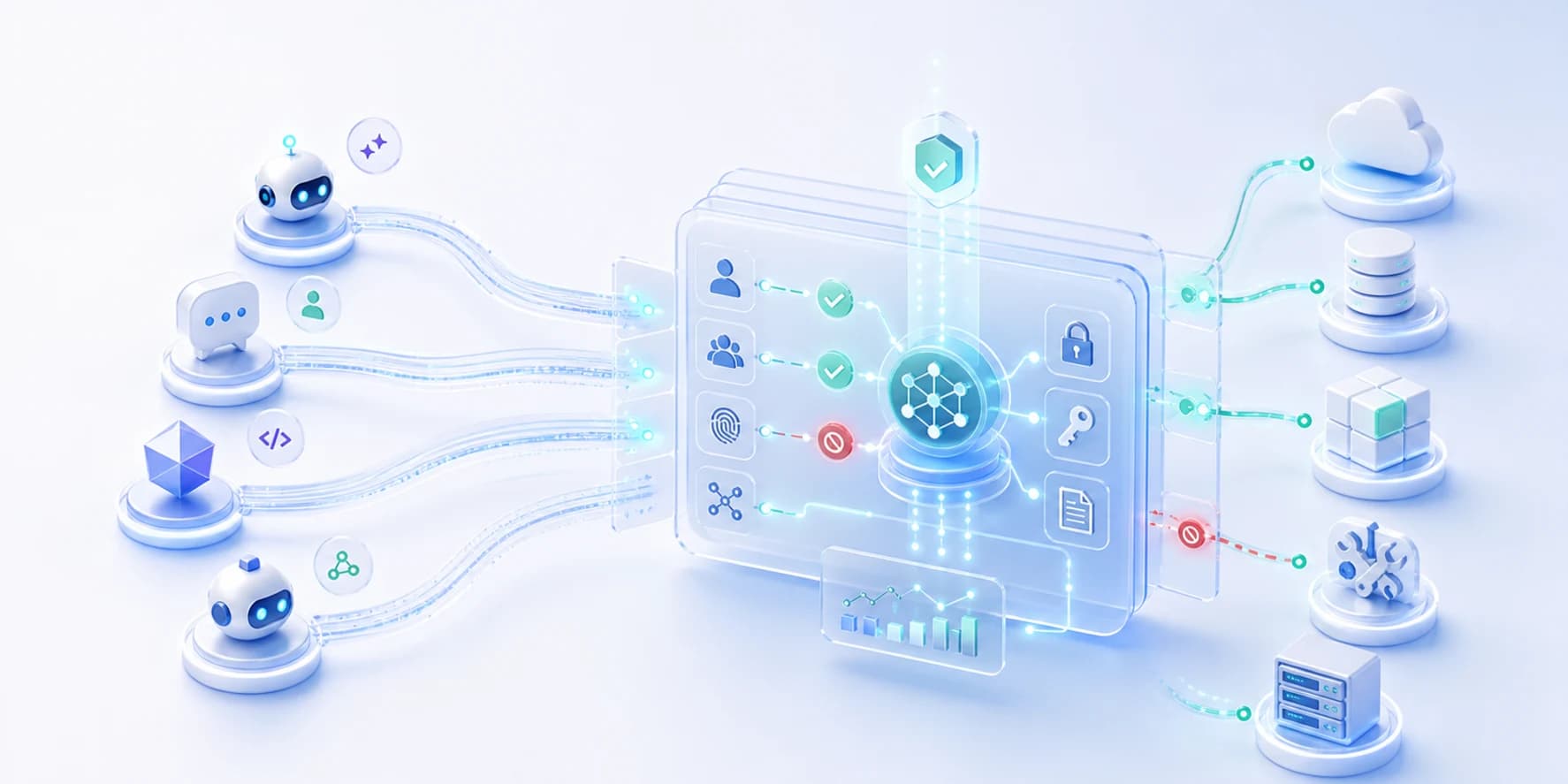
Datawiza Agent Gateway sits inline between AI agents and ERP APIs. It validates user and agent identity, evaluates granular policy, protects downstream credentials, and forwards only approved API requests to ERP systems.
Use one enforcement point for custom agents, vendor copilots, AI workflow tools, internal chatbots, and MCP clients that need ERP access.
Tie ERP API calls to enterprise users, groups, roles, departments, plants, workflows, or service identities.
Control access by ERP module, plant, customer, supplier, order, item, work order, invoice, or other business object.
Differentiate read, search, export, draft, update, approve, delete, and admin actions instead of giving one broad ERP permission.
Route high-risk writes, bulk exports, financial approvals, production changes, and destructive operations for human review.
Log the user, agent, workflow, endpoint, ERP object, action, policy decision, credential event, and outcome.
Agent types
The same control layer applies whether the ERP-connected agent is built internally, purchased from a vendor, embedded in a chatbot, or triggered by an automation workflow.
Developers can keep building useful ERP workflows while Datawiza enforces access policy outside the agent code.
Third-party assistants and copilots can be routed through the gateway before they reach ERP APIs or middleware.
AI workflow platforms can call ERP APIs through a policy point instead of storing broad credentials in every workflow.
Internal support, operations, finance, and procurement chatbots can be limited to the exact ERP tasks their users need.
Agentic ERP automation
As ERP automation moves from scripts and RPA to SOP-driven agents, the access question changes. It is no longer just whether an agent can call an ERP API. It is whether this user, this agent, and this workflow should be allowed to perform this specific ERP action right now.
Let agents use approved operating procedures and live ERP data while Datawiza enforces access policy before each tool or API action.
Start agents in advisory mode, move to supervised execution, and allow autonomous actions only when policy, confidence, and risk conditions are satisfied.
Require review before invoice posting, purchase order changes, production updates, bulk exports, or other high-impact ERP actions.
Record identities, requests, tool calls, policy decisions, approvals, and ERP outcomes so security, finance, and operations teams can review what happened.
Granular policy
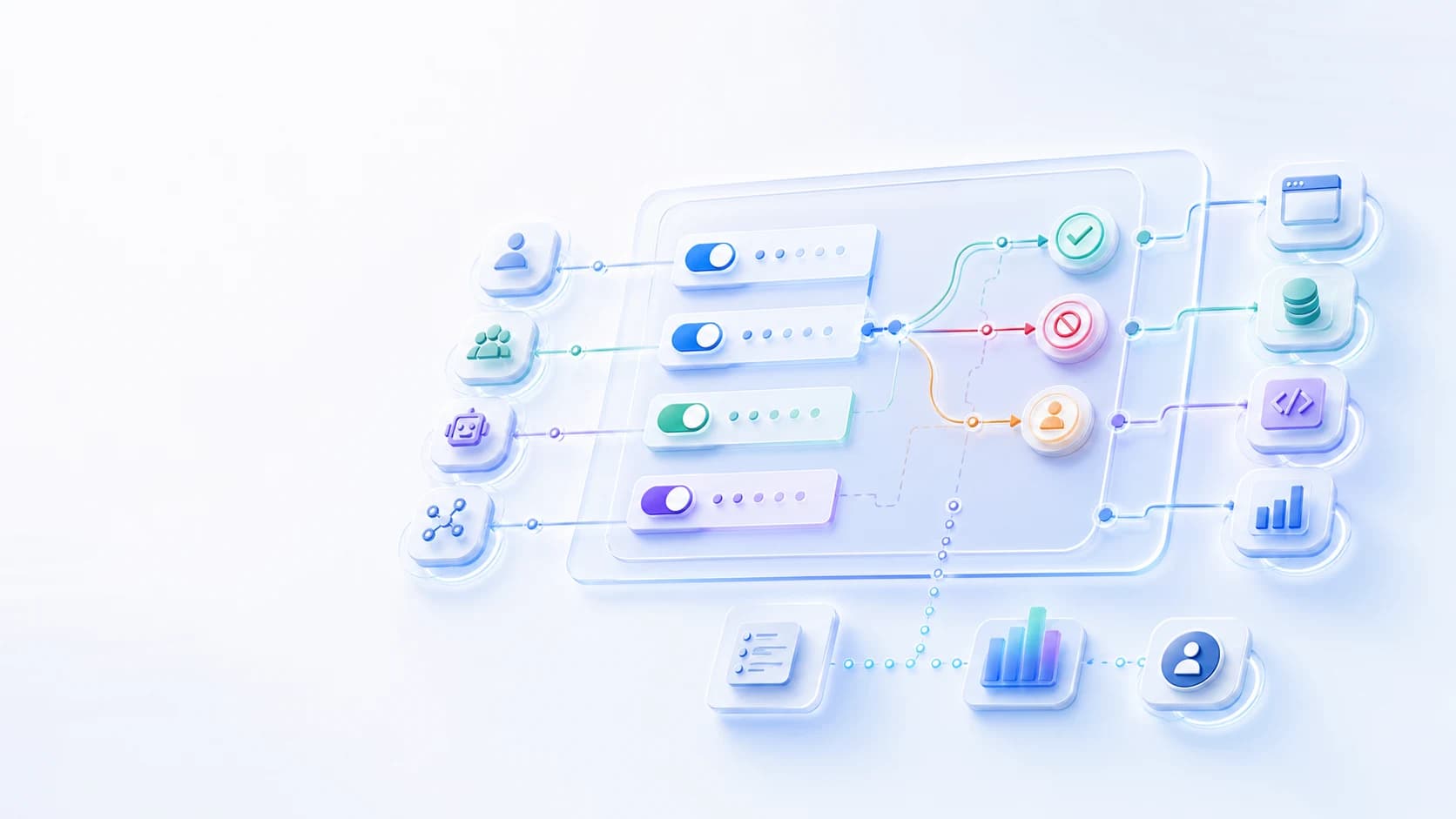
ERP access control often needs business rules that are more specific than an API token can express. Datawiza can use identity, agent, request, and business context together.
Allow an agent to query only the plants, sites, business units, or regions that match the user's responsibility.
Limit access to specific customer, supplier, item, order, invoice, or work-order records when the API supports those parameters.
Constrain write and approval actions by dollar amount, risk level, environment, user group, or workflow stage.
Deny, constrain, rate-limit, or review export, delete, approve, admin, and production-change requests.
Not only MCP
MCP is one important way agents reach tools, but many ERP projects start with direct REST APIs, middleware APIs, iPaaS workflows, or custom integration services. Datawiza Agent Gateway is designed to support both MCP and direct API access patterns.
Govern agent calls to REST, HTTP, and custom ERP APIs used by internal teams or external vendors.
Place policy in front of middleware, integration platforms, and internal services that already expose ERP capabilities.
Apply server, tool, and action policy when ERP capabilities are exposed through MCP servers.
Workflow
The core pattern is simple: put a gateway between AI agents and ERP APIs, then enforce least privilege before each request reaches the ERP system.
Use cases
Let agents answer availability questions while limiting access by plant, warehouse, product line, or user group.
Allow customer service or sales agents to summarize order status without exposing unrelated customer, pricing, or finance records.
Govern which agents can read, draft, update, or approve production and maintenance work orders.
Control agent access to supplier status, purchase orders, shipment data, and vendor portal actions.
Require extra checks before invoice, payment, discount, or approval-related actions are executed.
Give vendor-built agents access to the minimum ERP APIs they need, with policy and audit owned by your team.
Comparison
Direct MCP connectivity
Agents call ERP APIs directly with broad service accounts, API keys, or connector-level permissions
With Datawiza Agent Gateway
Direct MCP connectivity
ERP access is often granted at the module, role, connector, or service-account level
With Datawiza Agent Gateway
Direct MCP connectivity
A chatbot or workflow can inherit more ERP read, export, update, or approval rights than it needs
With Datawiza Agent Gateway
Direct MCP connectivity
API logs may show a service account without clear user, agent, business object, or policy context
With Datawiza Agent Gateway
ERP and identity
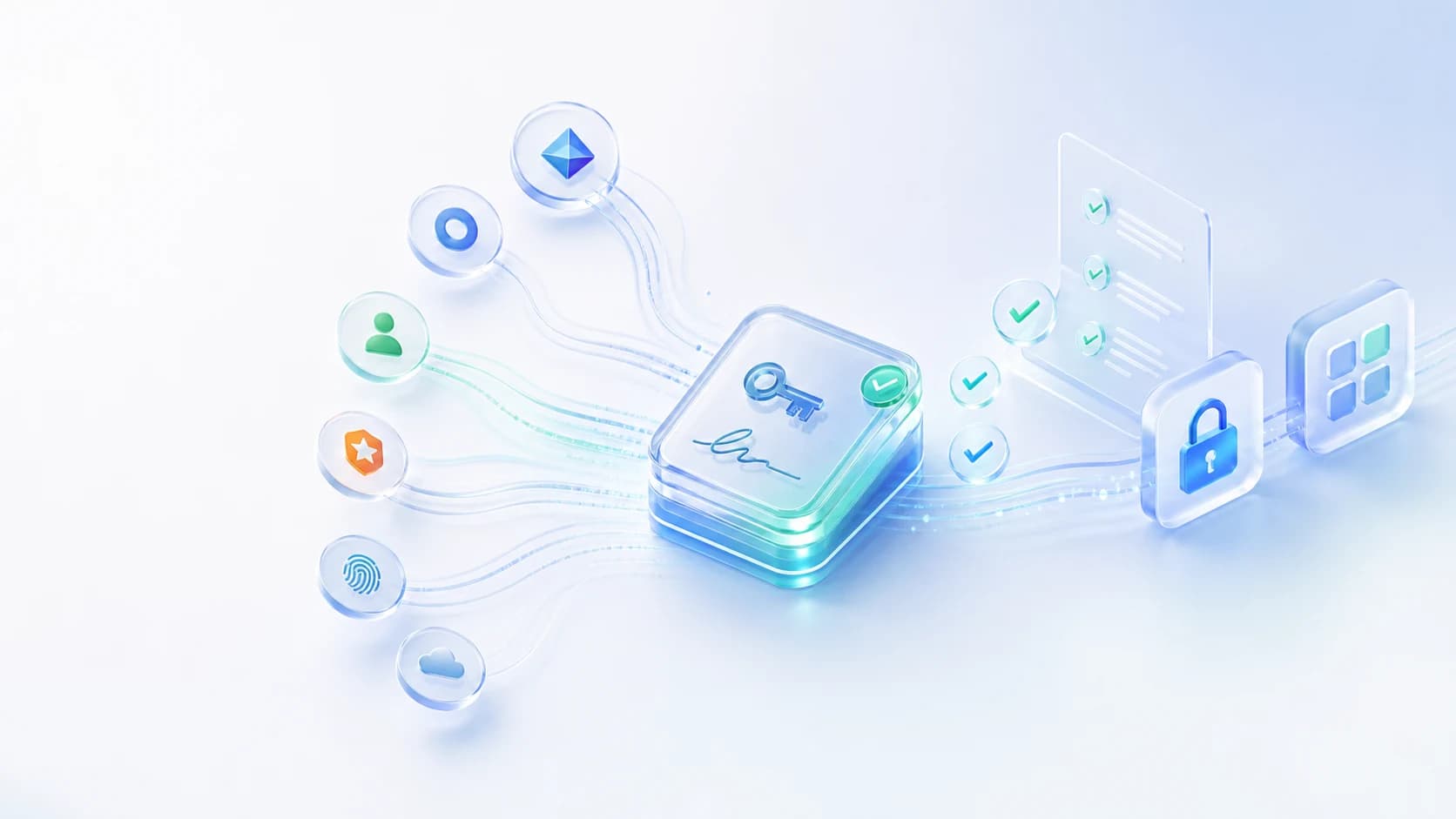
Agent access to ERP should not depend on one broad service account. Datawiza lets teams use enterprise identity and ERP-aware policy together so agents can perform useful work without getting excessive permissions.
Validate enterprise identity from Entra ID, Okta, Ping Identity, Google Identity, AWS, or another trusted IdP before allowing ERP API requests.
Evaluate the user, group, agent, workflow, site, tenant, ERP module, data class, and requested API action in the same decision.
Keep ERP API keys, service credentials, OAuth tokens, and legacy credentials away from agent and workflow runtimes.
Give security, IT, and operations teams a shared record of who asked, which agent acted, what ERP action was attempted, and why it was allowed or denied.
Why Datawiza
Apply one policy model to direct ERP APIs, middleware APIs, MCP servers, AI workflows, chatbots, and vendor agents.
Keep your ERP and identity infrastructure in place while adding a gateway layer for agent-specific authorization.
Give security, IT, and operations teams one view of agent decisions across sensitive ERP workflows.
Next step
Bring one ERP-connected agent, chatbot, or automation workflow. We can map the minimum permissions it needs, where policy should be enforced, and how to log each decision before production rollout.
FAQ
AI agent access control for ERP APIs is the policy layer that decides which users, agents, workflows, ERP APIs, business objects, and actions are allowed before an AI system reaches the ERP system.
No. Datawiza Agent Gateway sits inline between agents and ERP APIs. In many deployments, the main change is routing agent traffic through the gateway instead of directly to the ERP API or integration layer.
Yes. The agent can be custom-built, purchased from a vendor, embedded in a chatbot, or part of an AI workflow platform. Datawiza focuses on the access path before the agent reaches ERP APIs.
No. MCP is one access pattern, but many ERP projects use REST APIs, middleware APIs, integration platforms, or custom backend services. Datawiza can govern direct API and MCP-based access patterns.
Yes, when the request includes the needed context or when the gateway can evaluate parameters in the API call. Policies can use identity, groups, agent identity, endpoint, action, plant, customer, supplier, order, invoice, or workflow context.
Traditional API gateways are usually optimized for service traffic, routing, rate limits, and API security. Datawiza Agent Gateway adds agent-aware authorization, enterprise identity context, downstream credential protection, approvals, and audit for agent actions.
From industry events to new product releases, read it here first.

Sign up to secure your AI agents and critical enterprise apps